If you are using a surround-sound processor, connect
the front left and front right outputs of the processor
to one of the inputs on the AX-7e. Please note that
the AX-7e can accept either balanced or unbalanced
signals.
To activate the “Processor Pass-Through” mode for
that input, remove the AC power from the AX-7e
for at least 10 seconds. Then, while pressing the
input selector button corresponding to the chosen
surround-sound processor input, re-connect the AC
power.
The chosen input is now programmed for “Processor
Pass-Through” operation, disabling the now
redundant volume control of the AX-7e. When that
input is selected, the preamplifier section of the
AX-7e is set to unity gain (0 dB), and the volume is
controlled directly from the surround-sound
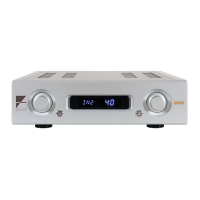
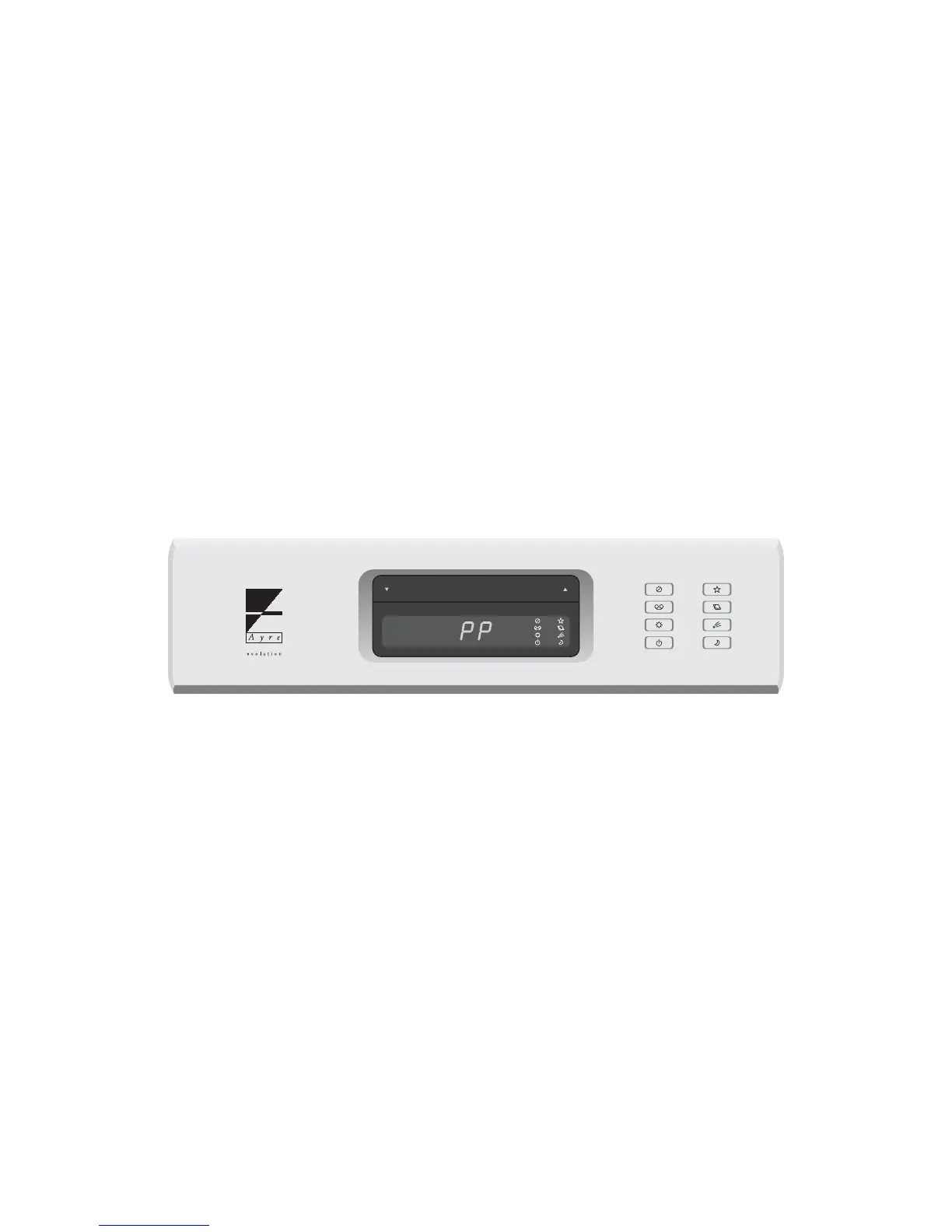
processor. The volume indicator of the AX-7e will
display “PP” to show that the “Processor
Pass-Through” mode has been selected for that
input.
10


 To Next Page
 Loading...