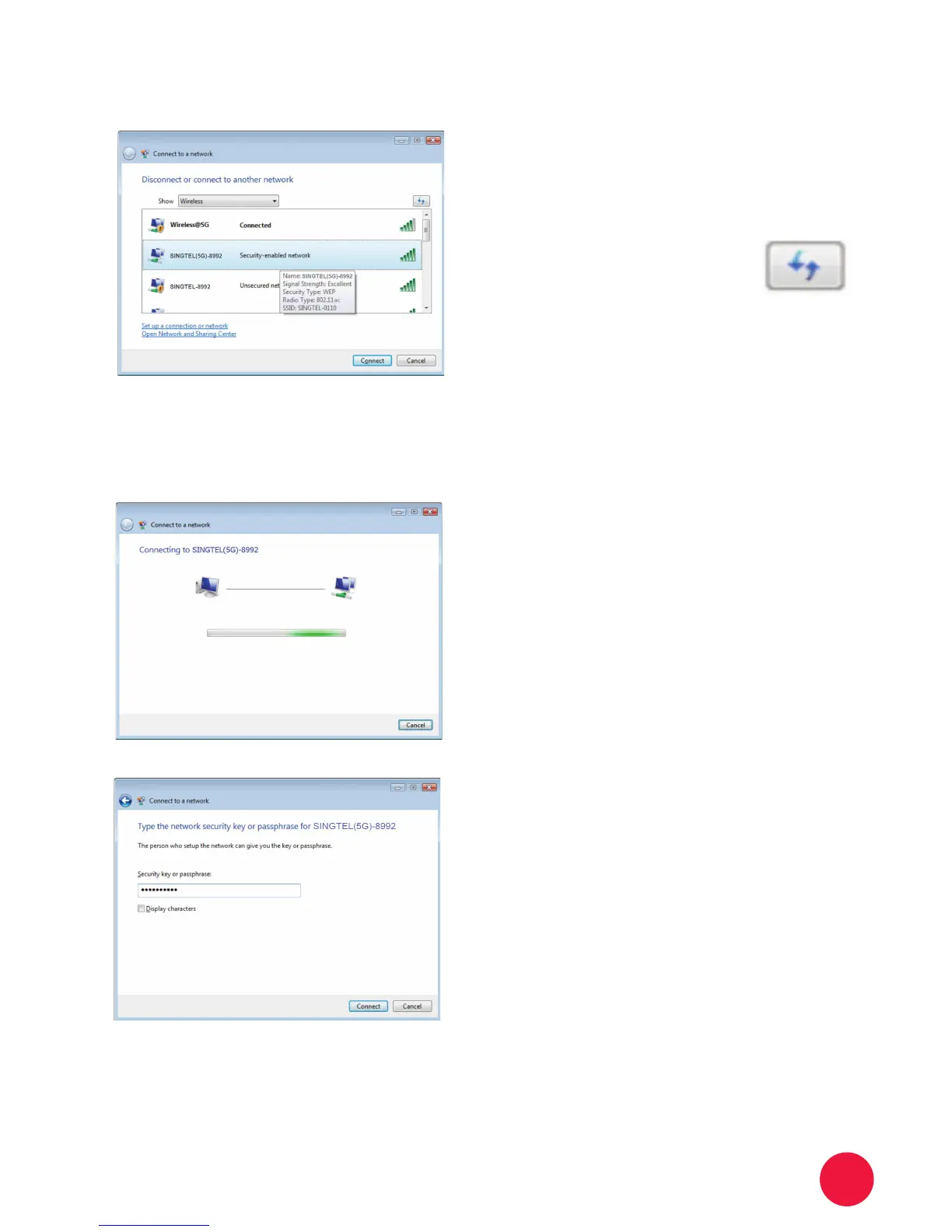
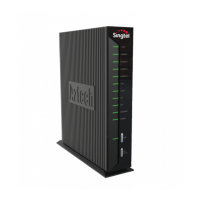
SINGTEL(5G)-8992.
5
Note: Please refer to section
A if you are unsure of
your Network Name or try
refreshing your Network list if
you cannot see it.
Click on the Connect button.
6
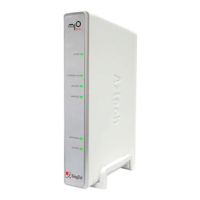
Please wait while your computer
tries to connect to the Wireless
Router.
7
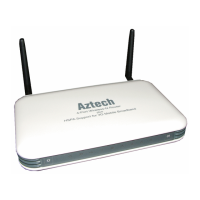
You will now be prompted to enter
your Network Key.
8
Note: You will see this when
1. You are connecting to the Wireless
router for the rst time
2. You have unselected the option to
save the Network Key.
Type in your Network Key in the
“Security key or passphrase” eld.
9
Click on the Connect button.
10


 To Next Page