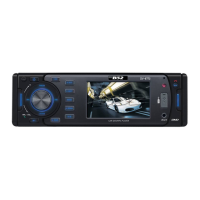
•Turn VOL knob to right or left, you can select the directory you want.
•Press VOL knob again, then the directory is fixed and the first file name is displayed.
•Turn VOL knob to right or left, you can select the file you want.
•Press VOL knob, then the song you selected will start.
3.Searching Character:
•Press AMS 3 times, then character search mode is activated.
•Press VOL knob, then a character is displayed.
•Turn VOL knob to right or left, you can select the letter you want.
•Press VOL knob longer than 2 sec.
•The song which has same character you selected is displayed.
•Turn VOL knob to right or left, you can select the song you want.
•Press VOL knob, then the song you selected will start.
13


 To Next Page