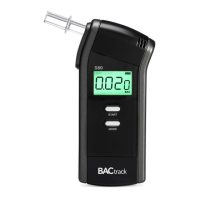
IMPORTANT!
For most accurate results, it’s important to wait at least 20
minutes after smoking, eating or drinking before testing.
This is a universal principle for all breathalyzers, not just yours.
The reason being is that if you have recently consumed alco-
hol, the residual alcohol in your mouth is very high and can
cause a false reading.
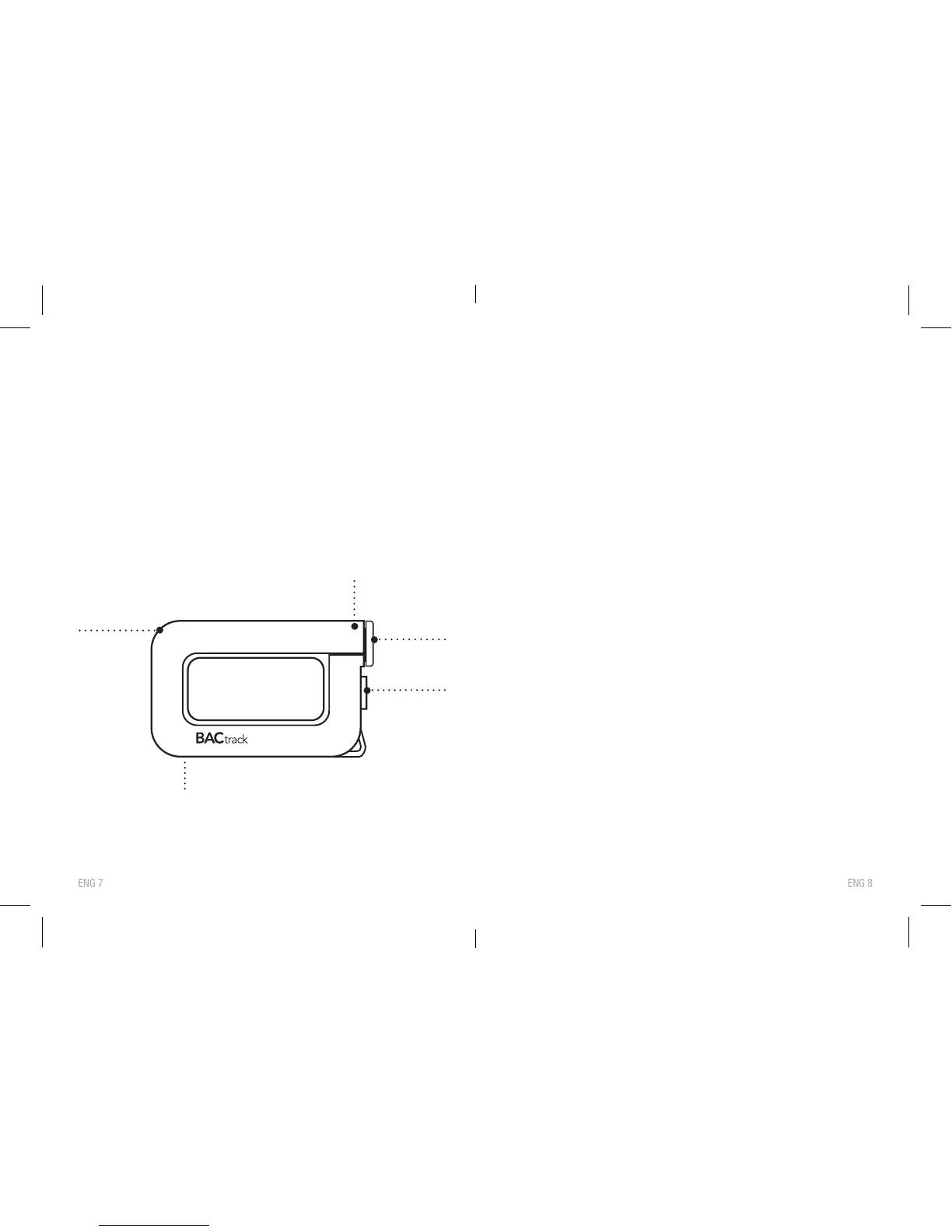
COMPONENTS DIAGRAM
YOU CONTROL HOW YOUR BAC RESULTS ARE
DELIVERED, EITHER:
1. To the screen directly on the BACtrack - this is Standalone
mode. No r
esults are saved or transmitted in this mode.
OR
2.
T
o the BACtrack App on your smartphone - this is
BACtrack App mode. You have the option to save results
in this mode.
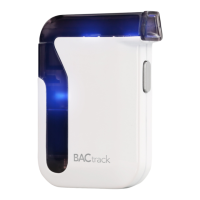
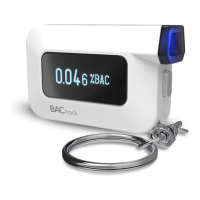
NOTE: The blue LED light on the r
ear of the device will
indicate which mode you are in. If the light is on, you are in
BACtrack App mode. If the light is off, you are in Standalone
mode. To switch from one mode to the other, hold the power
button down for seven seconds.
STANDALONE OPERATION
STEP 1: Install one AAA alkaline battery in the battery
compartment.
STEP 2: If you would like to use a mouthpiece, attach it to
the br
eathalyzer. Note: Using a mouthpiece is
optional.
STEP 3:
Pr
ess the Power Button on your BACtrack for one
second to turn on the device. The front blue LED
light will tur
n on.


 To Next Page