TROUBLESHOOTING
ALERTS
LOW BATTERY:
Install a new alkaline AAA battery.
ERROR: TEMPERATURE:
If the unit is powered on outside of the acceptable tem-
perature range (0-40 °C or 32-104 °F), testing cannot be
performed. Power off unit. Retest once BACtrack has been
stored in an acceptable environment.
ERROR: BLOW STEADILY FOR 6 SECONDS:
Please press the power button to restart the countdown
cycle and retest.
ERROR: NO BLOW DETECTED: Please press the power
button to restart the countdown cycle and retest.
ERROR: MAX BAC EXCEEDED: The estimated BAC
exceeds the maximum measurable level of 0.30%. If you did
not wait 20 minutes after your last drink, any residual alcohol
in your mouth could create a false high reading.
ERROR: BLOWING TOO FORCEFULLY: You do not need
to blow as hard as you can. Your blow should be steady
and consistent. Please press the power button to restart the
countdown cycle and retest.
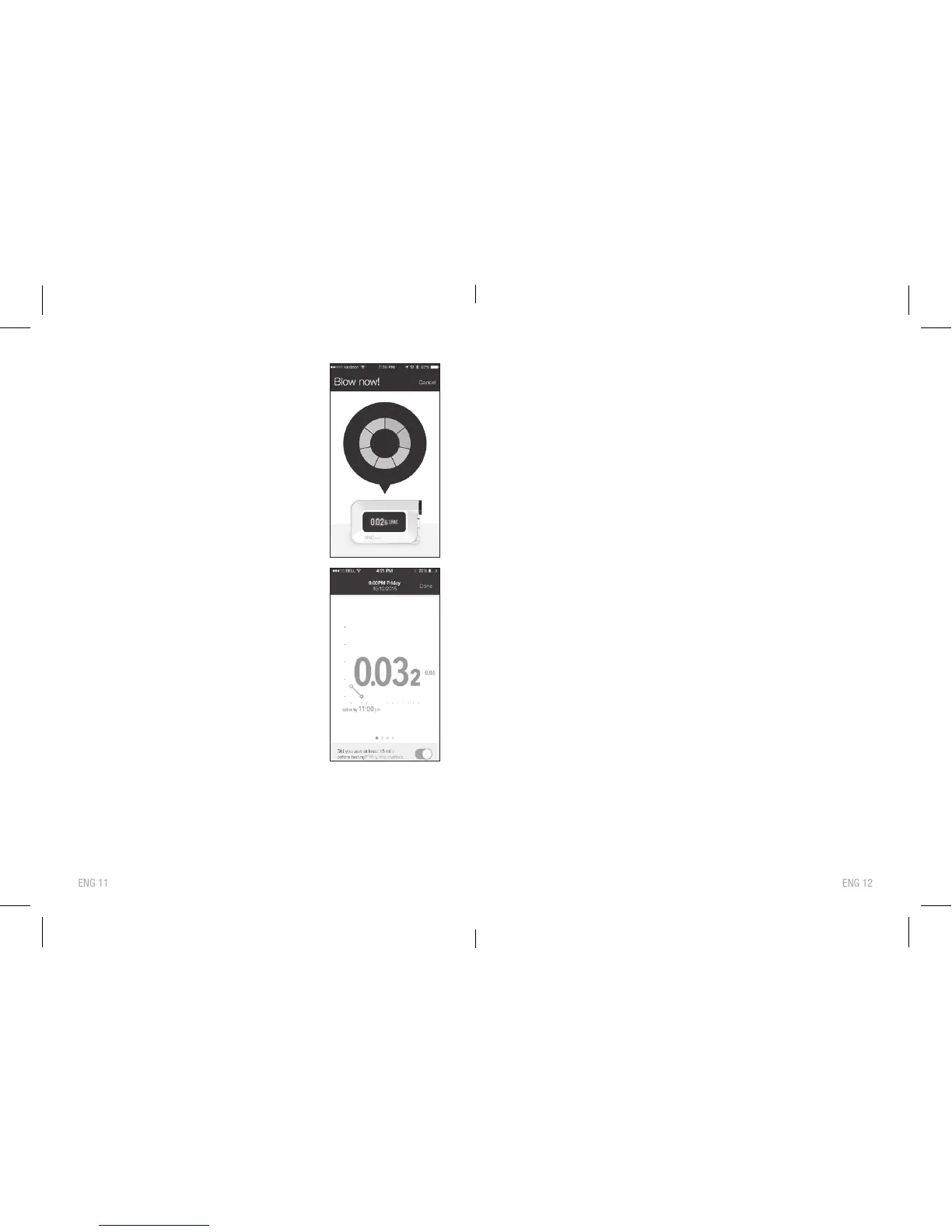
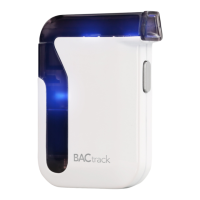
STEP 8: When the screen on your mobile
device r
eads “Blow Now,” take a
deep breath, and blow into your
BACtrack continuously until all the
blue segments are orange.
STEP 9:
Once your BACtrack has
analyzed the breath sample, it will
transmit the r
eading to your
mobile device where the BAC
value will be displayed.
STEP 10:
Press OK to view the estimated
time to 0.00% BAC (Zer
oLine
®
)
and other information about your
BAC result. The BACtrack
will tur
n off automatically in 10
seconds. You can also turn off
the br
eathalyzer during the
countdown by pressing and
holding down power for 2
seconds. The front blue LED
light will tur
n off.
Please keep your BACtrack App updated as we continuously
add new features and options.


 To Next Page