12
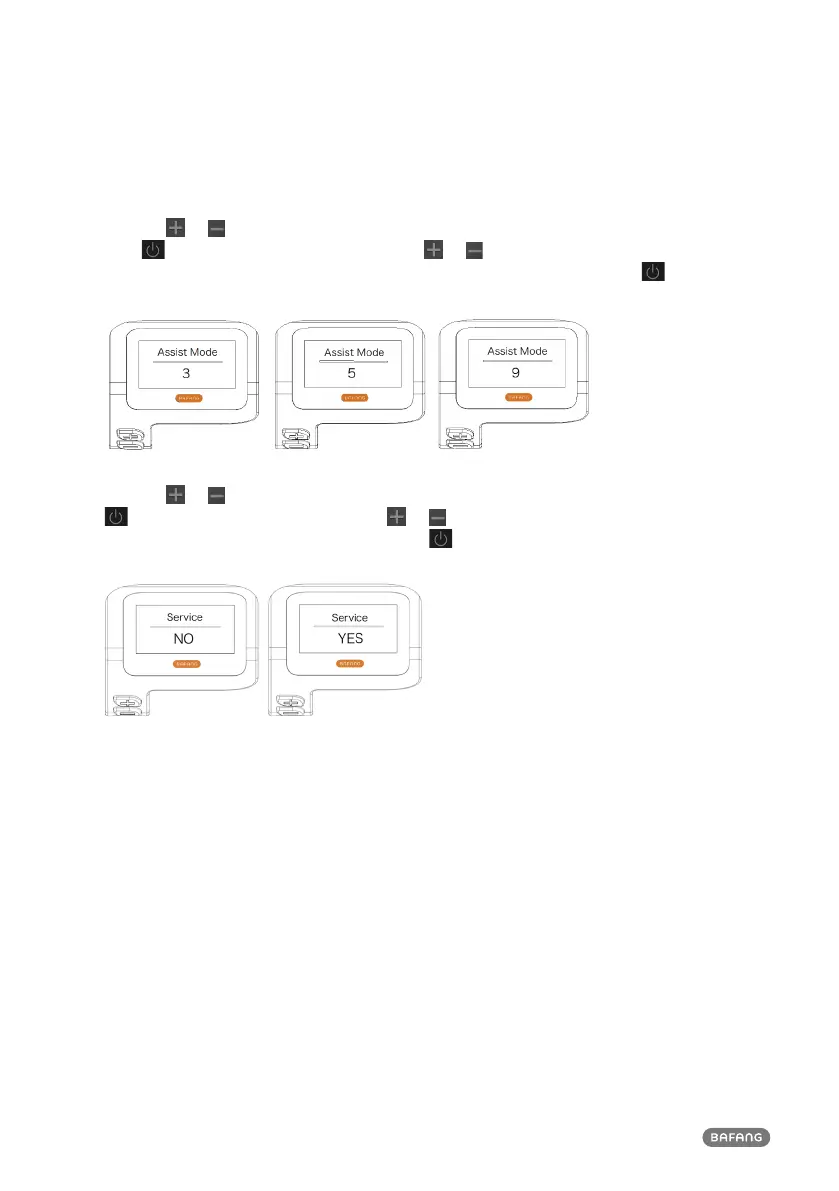
1.7.1.5 "Assist Mode" Set support level
Press the or button (<0.5S) to highlight “Max Pass” in the Display setting menu, and then
press button (<0.5S) to select. Then with the or button choose between “3/5/9” (the
amount of support levels). Once you have chosen your desired selection, press the button (<0.5S)
to save and exit to the "Display setting".
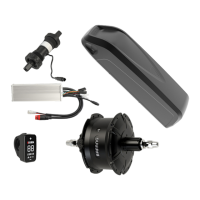
1.7.1.6 "Service" Switching the notification on and off
Press the or button (<0.5S) to highlight “Service” in the Display setting menu, and then press
button (<0.5S) to select. Then with the or button choose between “NO” or “YES”. Once
you have chosen your desired selection, press the button (<0.5S) to save and exit to the "Display
setting".


 To Next Page