
 To Next Page
J
James LarsonJul 27, 2025
What to do if the BAFANG Measuring Instruments show battery low?
- JJaclyn VaughanJul 27, 2025
If your BAFANG Measuring Instruments display indicates a low battery, the immediate solution is to charge the battery.

What to do if the BAFANG Measuring Instruments show battery low?
If your BAFANG Measuring Instruments display indicates a low battery, the immediate solution is to charge the battery.
What to do if I get a communication error on my BAFANG Measuring Instruments?
If you're experiencing a communication error with your BAFANG Measuring Instruments, start by checking the cable connection.
What should I do if my BAFANG Measuring Instruments show controller protection?
If your BAFANG Measuring Instruments indicate controller protection, check the three-phase power line.
What to do if I see a three-phase power error on my BAFANG Measuring Instruments?
If you are getting a three-phase power error with your BAFANG Measuring Instruments, check the three-phase power line connection.
How to fix no back-light or too dark display on BAFANG Measuring Instruments?
If the backlight on your BAFANG Measuring Instruments is not working or is too dark, reset the backlight brightness.
Why is the display black on my BAFANG Measuring Instruments?
If your BAFANG Measuring Instruments display is black, it might be because the temperature is too high or too low, potentially due to prolonged direct sunlight exposure.
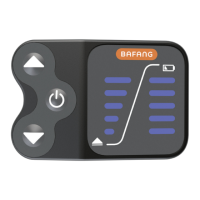
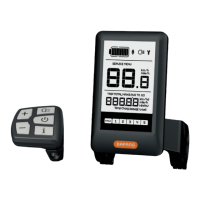
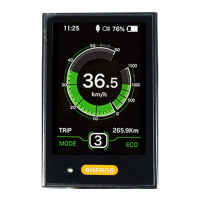
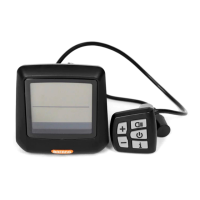
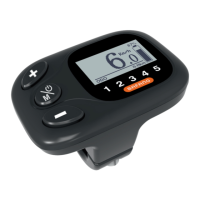
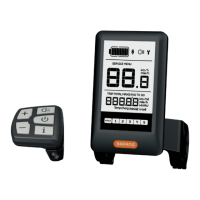
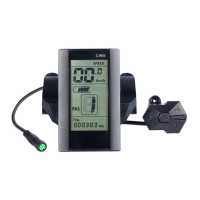
Highlights communication, operation, speed/unit display, and indicators.
Includes backlight adjustment, assist levels, parameter settings, and error codes.
Explains display power control and changing ASSIST levels.
Guides on entering and navigating the parameter setting menu.
Sets wheel diameter for speed accuracy and display voltage.
Sets password, adjusts speed limit, and confirms settings.
Lists and explains error codes for system diagnostics.
 General
| Display Type | LCD |
|---|---|
| Backlight | Yes |
| Voltage | 36V/48V |
| Handlebar Size | 22.2 mm |
| Waterproof Rating | IP65 |
| Compatibility | BAFANG mid drive motor |
| Functions | Speed, Battery Level, Distance |
| Power Assist Levels | 3 |