OK
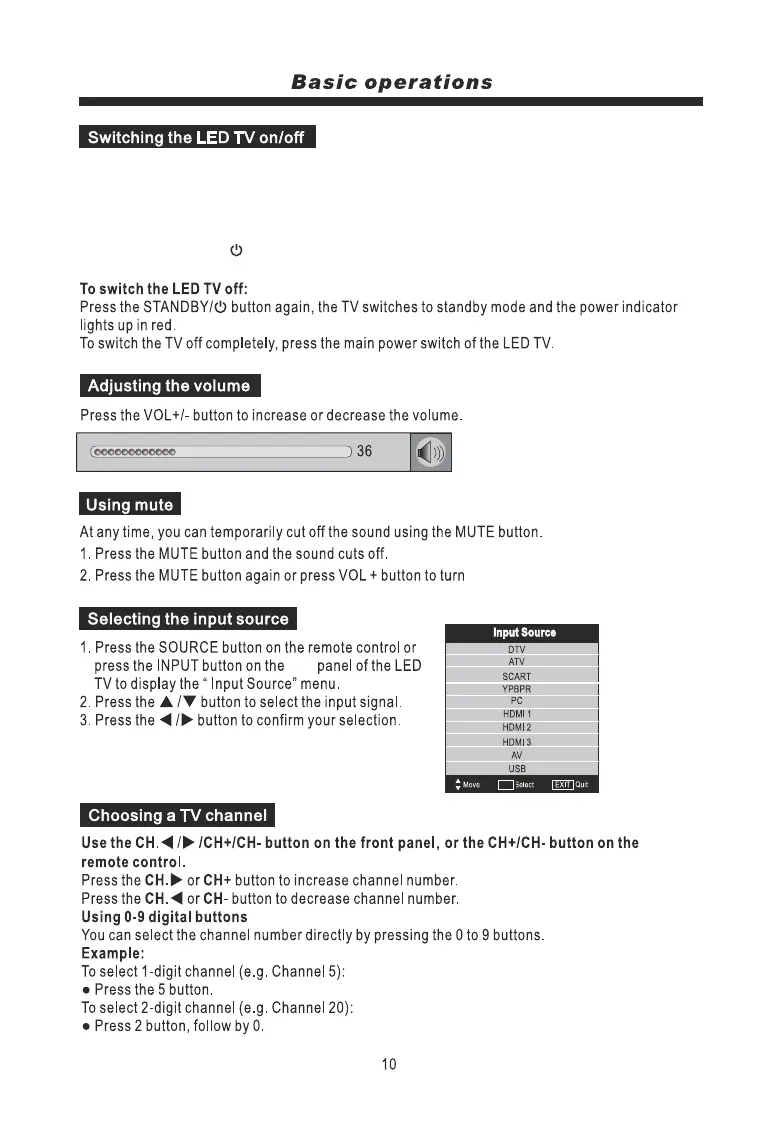
To switch the LED TV on:
1. Connect the power cord to
the rear of the TV. Then the TV switches itself to standby mode and the power indicator on the front
of the LED TV lights up in red.
2. To switch on the LED TV from standby:
Press the STANDBY/ button either on the TV or on the Remote Control, the TV switches on and
the power indicator lights up in green.
a mains wall socket. Switch on the main power switch of the LED TV at
the sound back on.
side
OK



 To Next Page