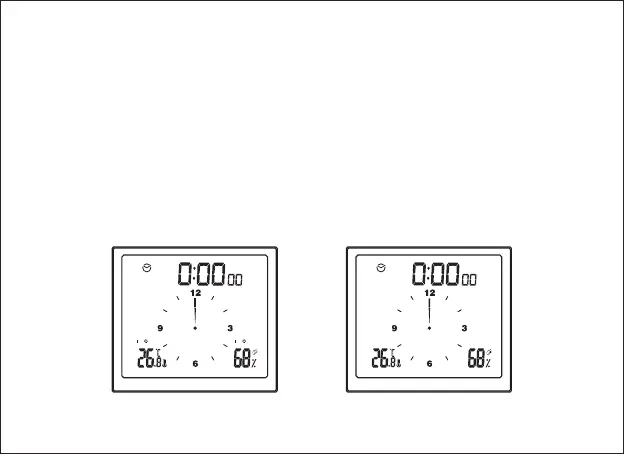
In the time display mode, long press [ALERT] if you want to set up the
temperature/humidity alarm. In this setting mode, short press [+] if you want to
increase the value by 1, or long press [+] for quick increase (8 steps/s); short
press[-] if you want to decrease the value by 1, or long press [-] for quick
decrease (8 steps/s). The setting sequence is: upper limit of temperature
alarm (red backlight alert)→lower limit of temperature alarm (orange backlight
alert)→upper limit of humidity alarm (red backlight alert)→lower limit of
humidity alarm (orange backlight alert) →Exit.
H
AL
o
LAL
H
AL
o
LAL
Alarm function enabled
Alarm function disabled
14



 To Next Page