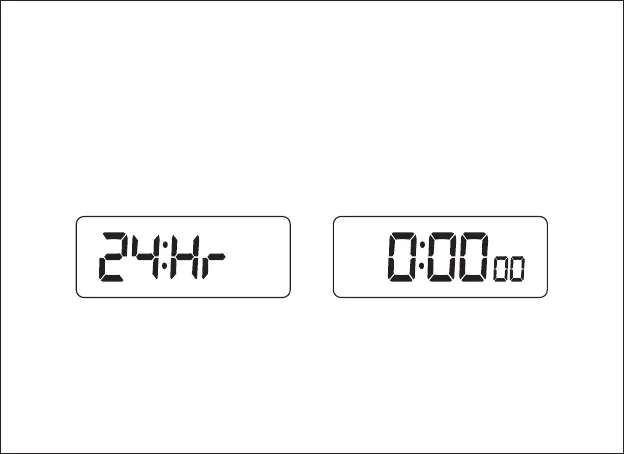
4. Time settings:
In the time display mode, jump to the setup page by long pressing [MODE],
when the parameters to be set up are displayed and flashing; the setup sequence
is: 12HR/24HR→hour→minute→exit and return to normal time display. In time
settings, short press [+] if you want to add the value by 1 or long press [] for
quick increase (8 steps/s); short press [-] if you want to decrease the value
by 1, or long press [-] for quick decrease (8 steps/s).
+
5. Alarm clock settings:
In the time display mode, short pressing [MODE] results in a switch to the
alarm clock display interface. The switching sequence is: Normal time display→
Alarm Clock 1→Alarm Clock 2→Normal time display.
8



 To Next Page