±
OF FSET
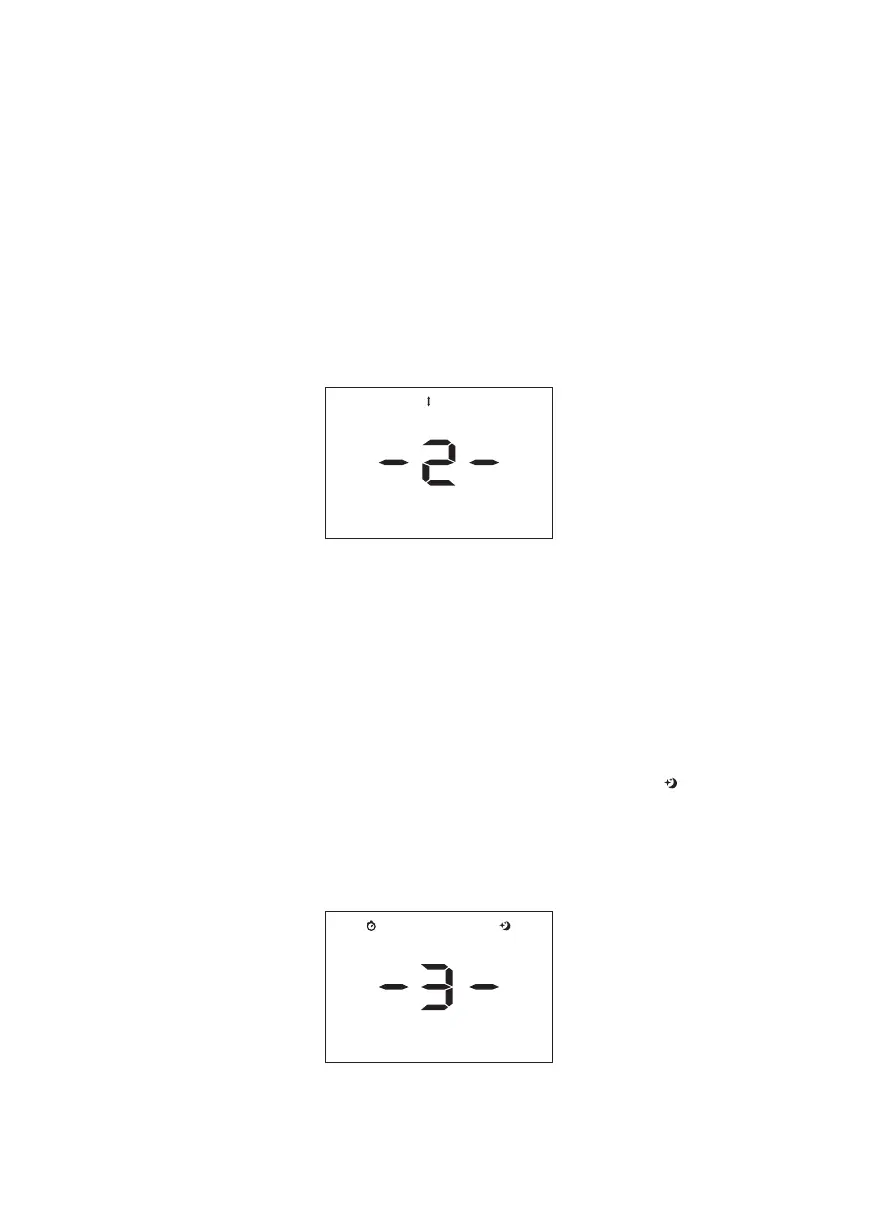
Press menu key for entering menu, then press up or down key to choose the
right option(-2-), then press menu key for setting the temperature
compensation of solder handle, then press up or down to set the right
value(range: ±50℃, ±90℉), then press menu key for saving.
Example: Set temperature 350℃, actual temperature 345℃, same as above
steps add 5℃; Set temperature 350℃, actual temperature 355℃, same as
above steps reduce 5℃
Temperature compensation setting for solder handle
2. Temperature compensation setting for solder handle
Press menu key for entering menu, then press up or down key to choose the
right option(-3-), then press menu key for setting the auto-sleep function of
solder handle, then press up or down to turn auto-sleep off or set auto-sleep
time (range: OFF, 10-60 mins), then press menu key for saving.
When sleep mode is on, the handle is not shake on the soldering iron rack,
automatic system time keeping, will automatic sleep until the set time. the
screen would display “---”when sleep temperature is 180℃, “ ” sleep
symbol is light on. If want to awake the sleep mode, take out the handle from
soldering iron rack and need to slight shake, the system enter to working
status immediately.
3. Auto-sleep function setting for solder handle
TI ME SL EEP
-4-
SL EEP



 To Next Page