-3-
1. Large LED Display with beautiful interface.
2. Fast heating speed with new-updating PCB circuit design.
3. Stable Temperature with micro-computer control.
4. 3 shortcut keys for temperature fast adjustment.
5. Saving life time with auto-sleep function.
6. Heater with short circuit protection, Sensor faulty warning function.
7. Easy replacement of spare parts with plug type heater and plug type solder tip.
8. Password protection function.
Product Features
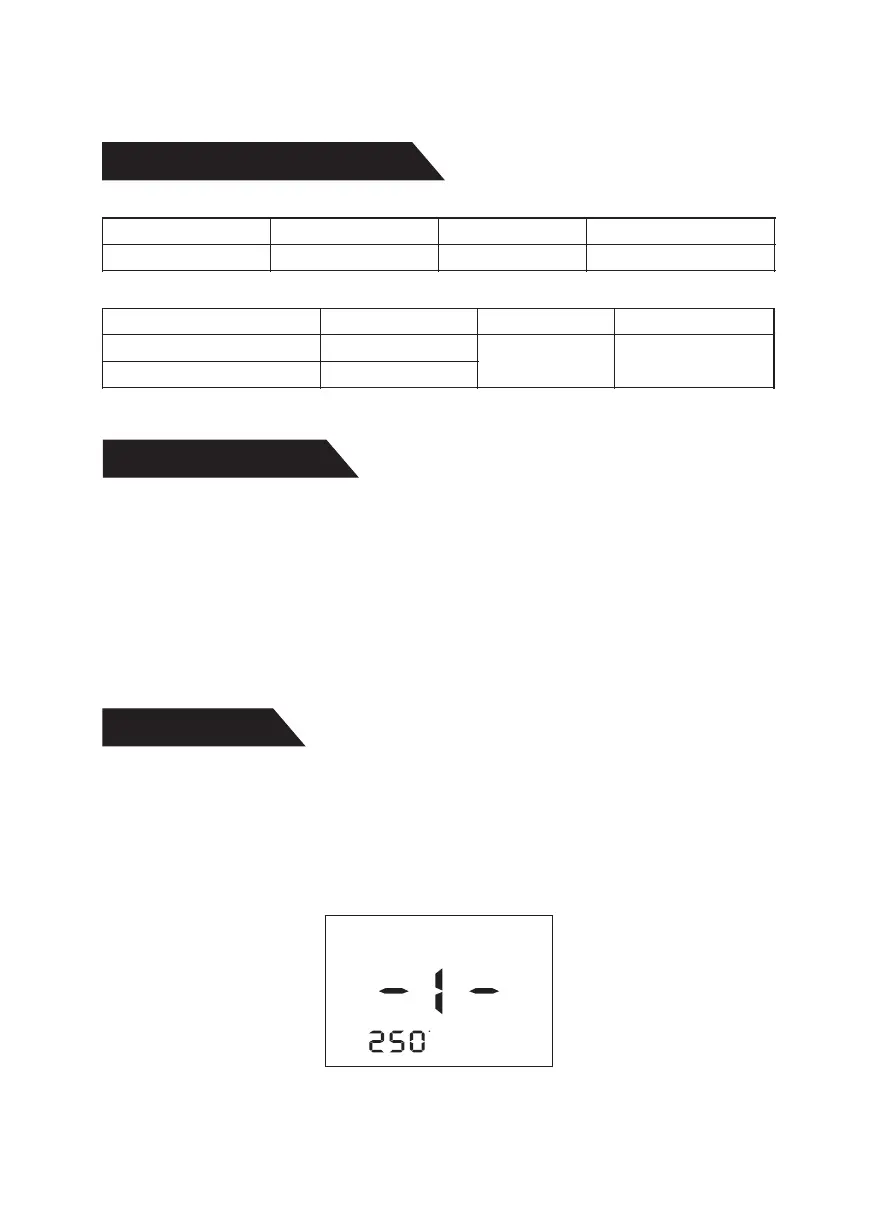
Press menu key for entering menu, then press up or down key to choose the
right option(-1-), then press menu key for setting the temperature of solder
handle, then press up or down to set the temperature(range: 180-480℃, 356-
896℉), then press menu key for saving.
Menu Setting
1. Temperature setting for solder handle
C
utput power O
90W( ax) M
Dimensions
nput voltage I AC 230V 50Hz
150×130×99mm
utput powerO
emperature RangeT
oltage (tip to ground)V
90W( ax) M
180℃~480℃
2mV≤
nput voltageI
esistance
R
(
tip
to
ground
)
AC 28V 50Hz
2Ω≤
Solder handle
Machine
Products Specifications
N.W/G.W
≈2.2Kg/≈2.5Kg



 To Next Page