5
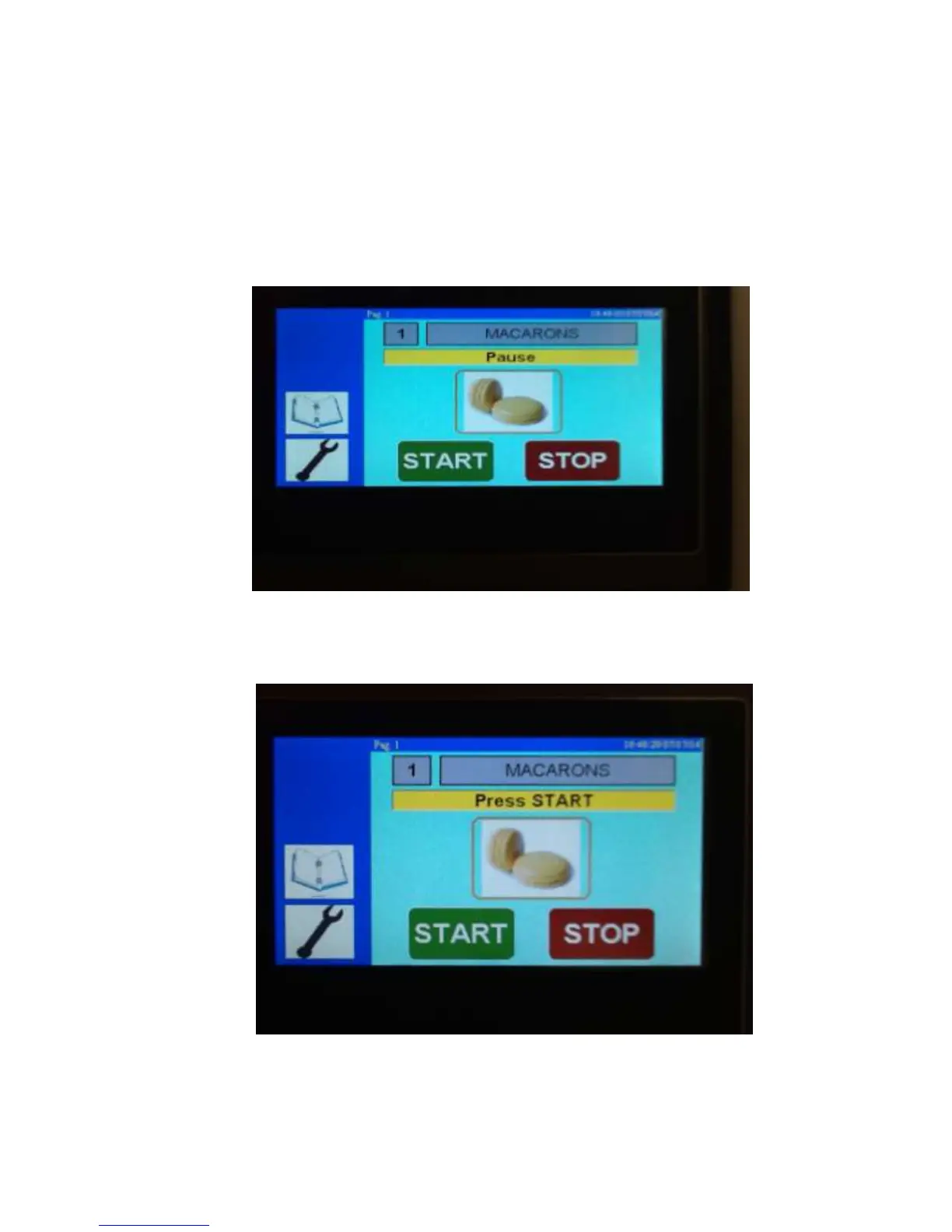
5. Stop function on the touch screen: The operator can use this function in two ways
5.1 Press the stop tab to pause depositing briefly, then push start tab on touch
screen to resume depositing where it left off.
5.2 Press and hold the stop tab on the touch screen for 5 seconds it will stop, eject
the tray and instruct you to push start. Push start and it will begin a new cycle.
(5.1)
(5.2)



 To Next Page