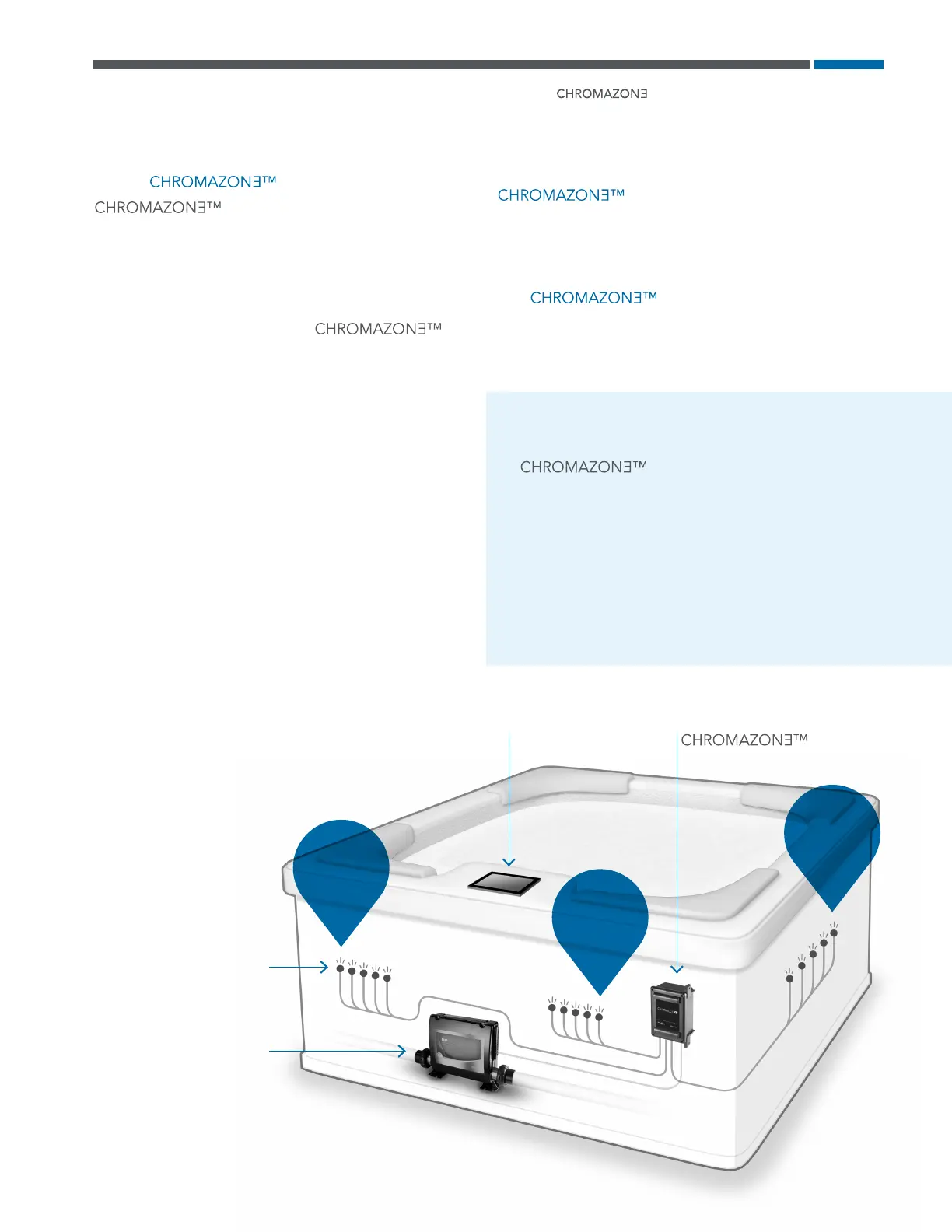
ZONE
B
ZONE
C
ZONE
A
Zone C
Zone B
Zone A
What is ?
provides fully customizable
spa lighting with stunning color choices. Three
separate lighting zones give you full lighting
control and flexibility.
What is a zone?
A zone is a group of LED lights. has
three zones: Zone A, Zone B, Zone C.
What can a zone do?
• Display a light pattern. There are three light patterns
to choose from: Color Wheel, Party Light, Lounge Light.
Speed and brightness are customizable for each light
pattern.
• Display one of eight factory default colors.
• Display custom colors. The full color spectrum is at
your finger tips.
• Display the water temperature as colors, or display the
spa status as colors.
Can zones be grouped together?
Absolutely. Any combination of Zones A, B and C can
be grouped and controlled simultaneously.
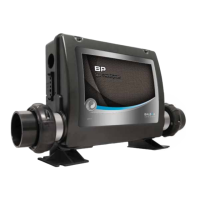
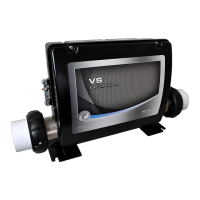
Which system packs are compatible with
?
BP 2000 / 2100 / 6013 / 501 / 601 control systems with
software version 43.0 or above.
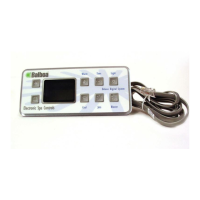
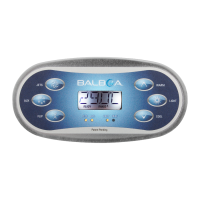
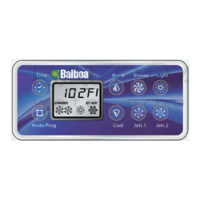
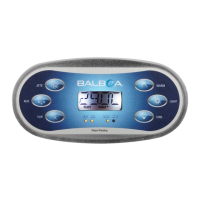
Which spaTouch
TM
3 software version is compatible
with ?
Software version 1.01 or later. However, a few aspects
of functionality documented in this user guide are not
implemented until version 1.03 or later.
TERMINOLOGY
All light zones fall under two
catagories.
#1 - Special Function Zones. Special functions are
zones which are not user controllable, but have
predefined behavior (Status Pro, Water Temperature).
View page 11 for more information.
#2 - User-Controlled Zones: All zones that are not
Special Function Zones.
LED lights
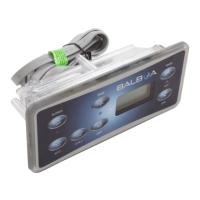
spaTouch
TM
3 PANEL
Software version 1.01 or above
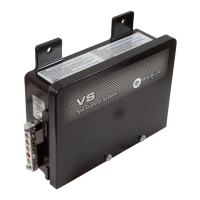
BP 2000 / 2100 / 6013 / 506 / 601
CONTROL SYSTEM
Software version 43.0 or above
UNIT
42367_rev A
TM
User Guide | spaTouch
TM
3
4



 To Next Page