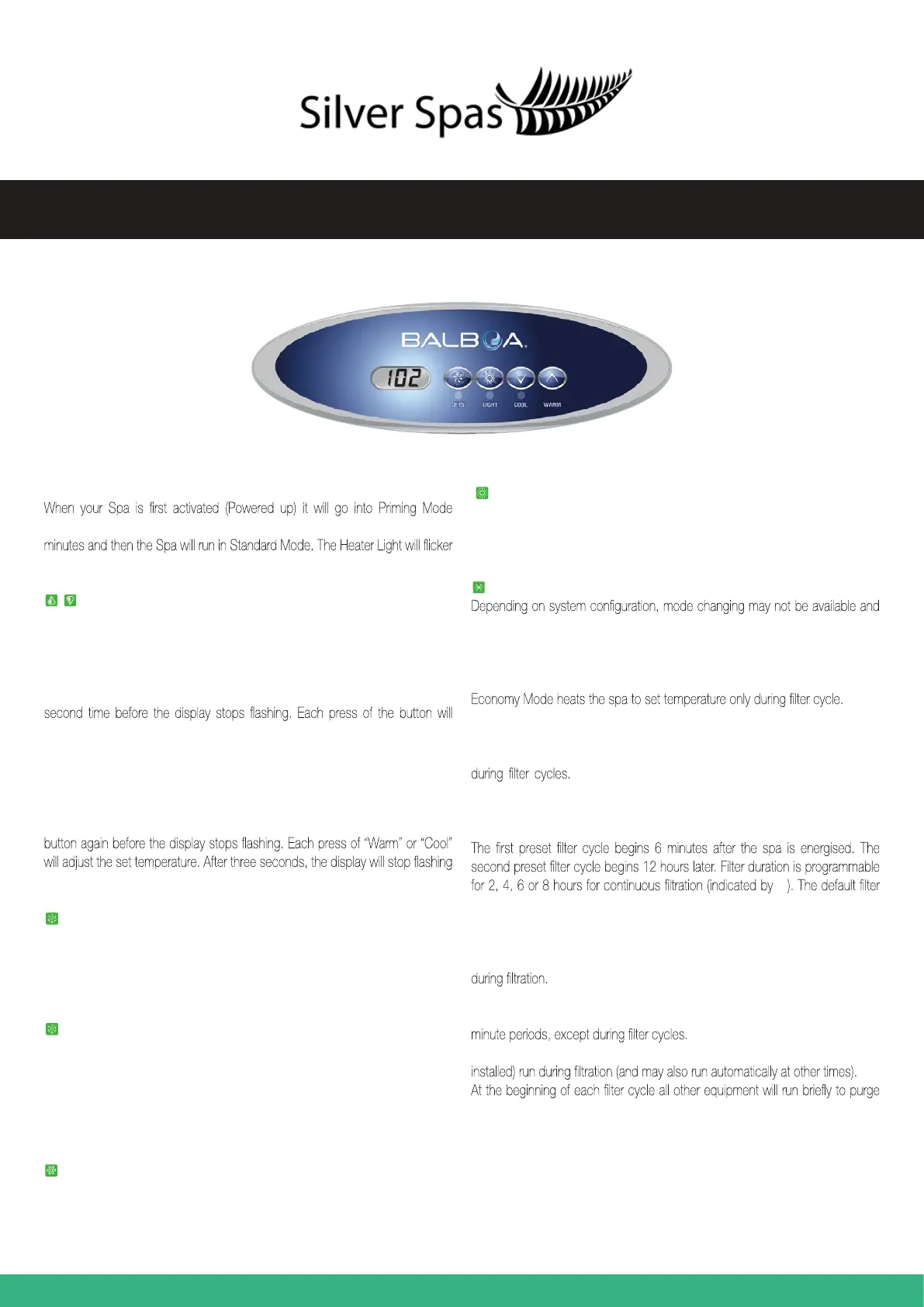
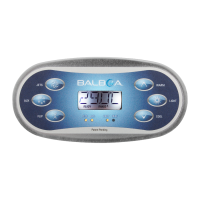
VL260 Quick Reference Guide
INITIAL START-UP
indicated by “Pr” on the LCD readout. The Priming Mode will last for up to 4
when Priming, or when the system is self testing.
Temperature Adjustment
The last measured temperature is consistently displayed on the LCD. The water
temperature display is current only when the pump has been running for at least
2 minutes.
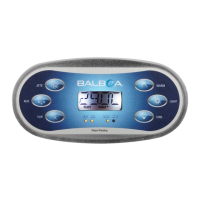
On panels with a single “Temp” or “Set” button, to display the set temperature,
press the button once. To change the set temperature, press the button a
continue to either raise or lower the set temperature. If the opposite direction
is desired, allow the display to revert to the current water temperature. Press
the button to display the set temperature, and again to make the temperature
change in the desired direction.
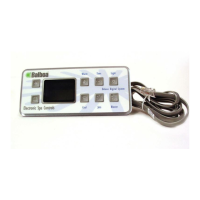
On panels with “Warm” and “Cool” buttons, to display the set temperature, press
“Warm” or “Cool” ocne. To change the set temperature, press a temperature
and begin to display the current spa temperature.
Jets 1
Press “Jets 1” to turn Pump 1 on and off, and to shift between low and high
speeds (if required). The low-speed will turn off after 4 hours. High-speed will
turn off after 15 minutes. Low-speed may run automatically at times, during
which it cannot be deactivated from the panel, but high-speed may be operated.
Jets 2/Jets 3 (If fitted)
Blower
The “Blower” button turns the Blower on/off. The Blower automatically turns off
after 15 minutes.
Light
Press the Light button to turn the Spa Light on/off. If left on, the Light automatically
turns off after 4 hours.
SETTING STANDARD/ECONOMY & SLEEP MODE
Mode/Prog
will be locked in Standard Mode.
Mode is changed by pressing “Temp,” then pressing the “Light” button.
Standard Mode maintains set temperature. St will be displayed momentarily
when you switch into Standard Mode.
EC will
display when water temp is not current, and will alternate with water temp when
the pump is running. The Economy icon will be displayed.
Sleep Mode heats the spa to within 20 °F/10°C of the set temperature only
Sl will display when water temp is not current, and will
alternate with current water temp when the pump is running.
Preset Filter Cycles
FC
time is 2 hours for non-circ systems and 4 hours for circ systems.
Yo program, press “Temp,” then “Jets 1.” Press “Temp” to adjust. Press “Jets 1”
to exit programming.
For non-circ systems, the circ pump and the ozone generator (if installed) run
For 24 hour circulation systems, the circ pump and the ozone generator (if
installed) run 24 hours. In hot environments, the circ pump may turn off for 30
For non - 24 hour circulation systems, the circ pump and ozone generator (if
the plumbing.
Press the corresponding button once to turn the device on or off. The device will
turn off after 15 minutes. Pump 2 may be two-speed on some systems. Some
sytems use this one button to control two devices. The first button press will
activate once device. Press again to have both devices active. Press again to
turn off the first device only. Press one more time to turn both devices off.



 To Next Page