32 Chapter 3 Documentation Number 3PCIO1-0903 Manual
B&B Electronics Mfg Co – 707 Dayton Rd - PO Box 1040 - Ottawa IL 61350 - Ph 815-433-5100 - Fax 815-433-5104
B&B Electronics Ltd – Westlink Comm. Pk. – Oranmore, Galway, Ireland – Ph +353 91-792444 – Fax +353 91-792445
After selecting a new com number, Click OK, then OK again on the
Settings page.
After returning to the Device Manager screen, it should refresh
automatically. Then double-click Ports again.
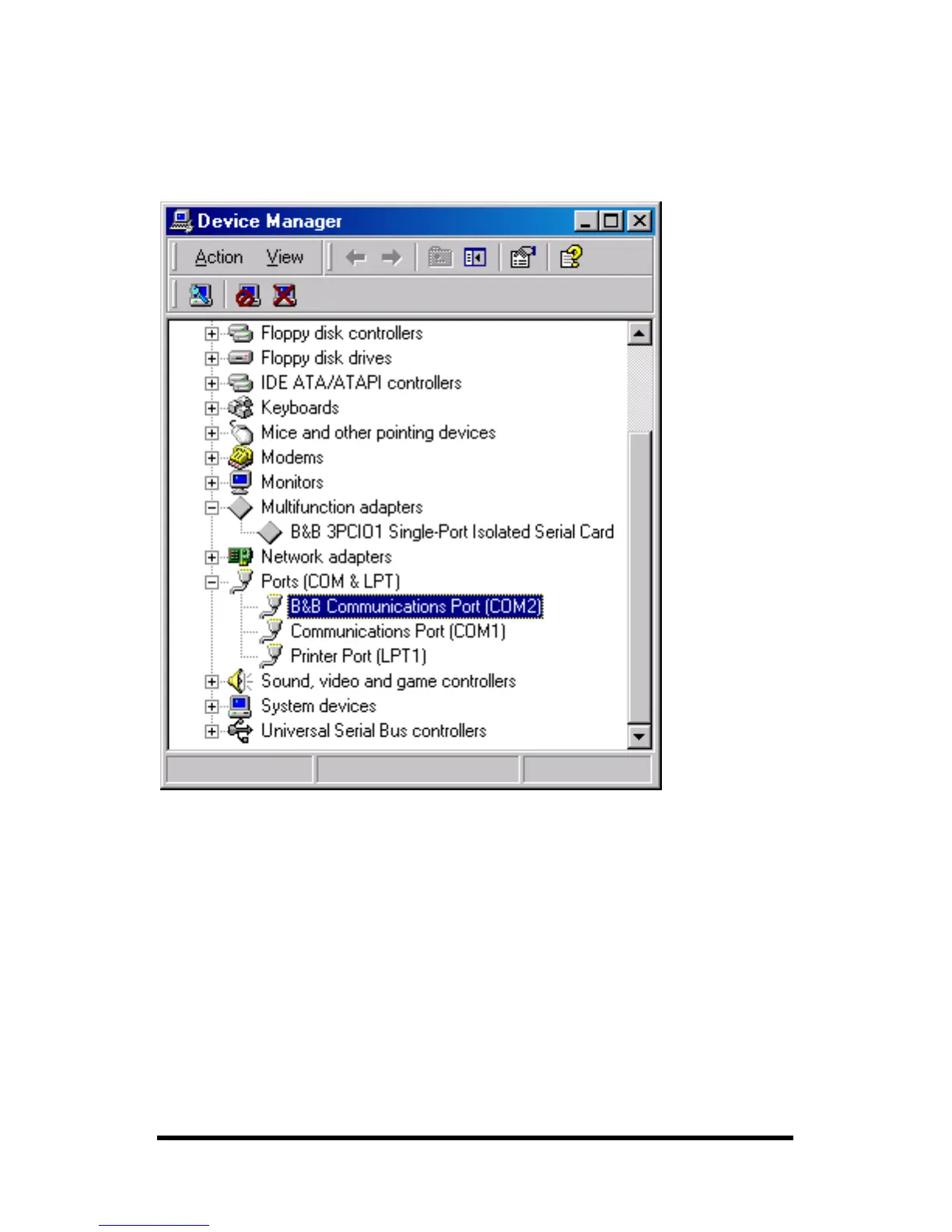
You should see B&B port renamed as shown below:
Example – After renaming B&B Port from Com6 to Com2
Double-click or select the port to finish selecting other properties.
Continue in Chapter 4, Setting Driver Options.
Software installation is complete.
Make your connections, RS-232 in Chapter 5 or RS-422/485 in
Chapter 6.



 To Next Page