36 Chapter 4 Documentation Number 3PCIO1-0903 Manual
B&B Electronics Mfg Co – 707 Dayton Rd - PO Box 1040 - Ottawa IL 61350 - Ph 815-433-5100 - Fax 815-433-5104
B&B Electronics Ltd – Westlink Comm. Pk. – Oranmore, Galway, Ireland – Ph +353 91-792444 – Fax +353 91-792445
Chapter 4
: Setting Driver Options
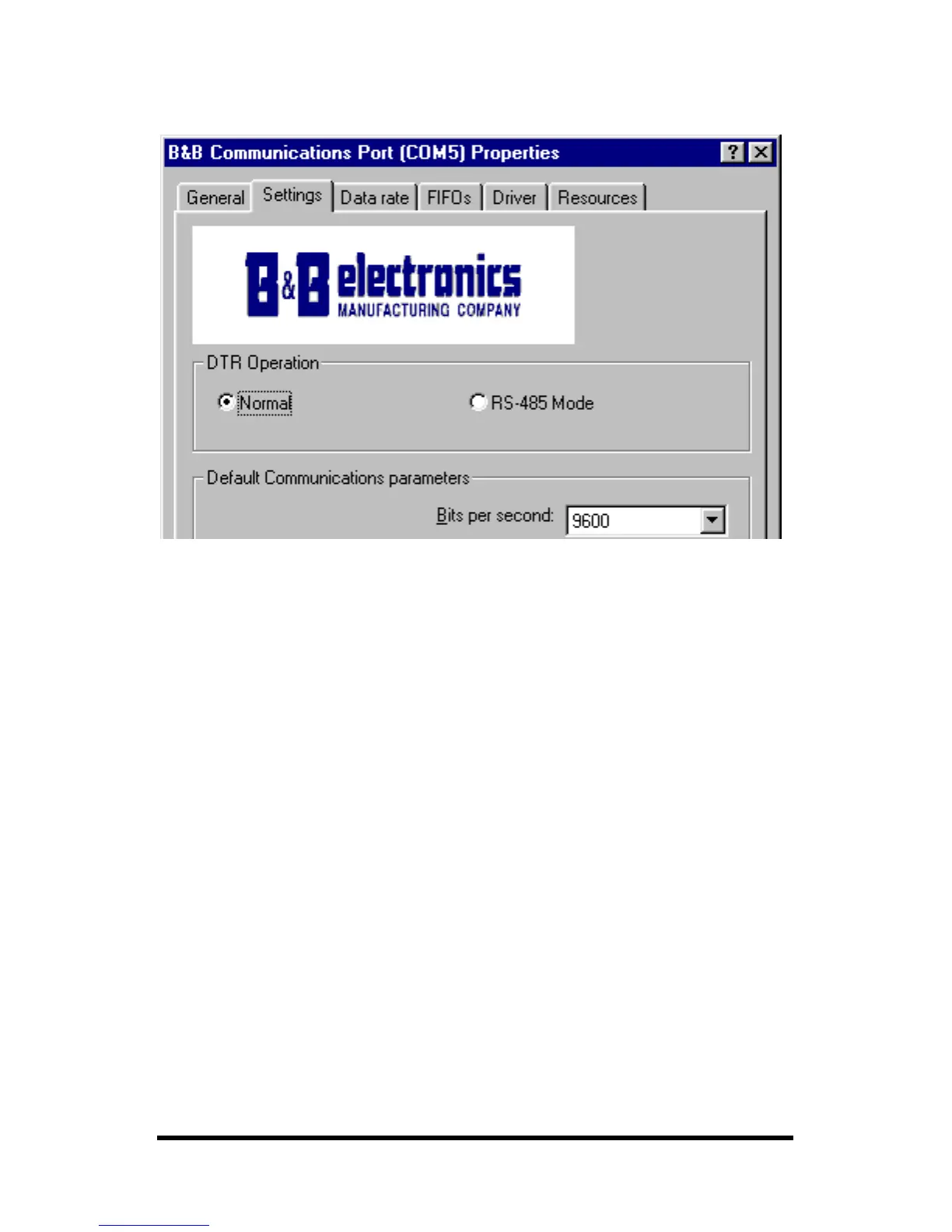
DTR Operation
Example - DTR Operation Screen (Windows 98)
Select Normal for RS-232 operation.
Select RS-485 Mode for Automatic RS-485 Driver Control.
Use either setting for RS-422 operation.
Continued next page



 To Next Page