48 Chapter 7 Documentation Number 3PCIO1-0903 Manual
B&B Electronics Mfg Co – 707 Dayton Rd - PO Box 1040 - Ottawa IL 61350 - Ph 815-433-5100 - Fax 815-433-5104
B&B Electronics Ltd – Westlink Comm. Pk. – Oranmore, Galway, Ireland – Ph +353 91-792444 – Fax +353 91-792445
Chapter 7
: Troubleshooting
If you have any trouble starting your system after installing the card,
the card may not be properly seated in the slot. Remove and re-
insert it or try a different slot. Check BIOS is set for PnP OS.
If you are unable to communicate with the card using your software
and hardware devices:
1. Check your pinouts. In RS-422 or RS-485 mode the "A" lines
should match your "A" or "−" lines. "B" lines should match your
"B" or "+" lines.
Note: RS-422/485 pinouts are non-standard.
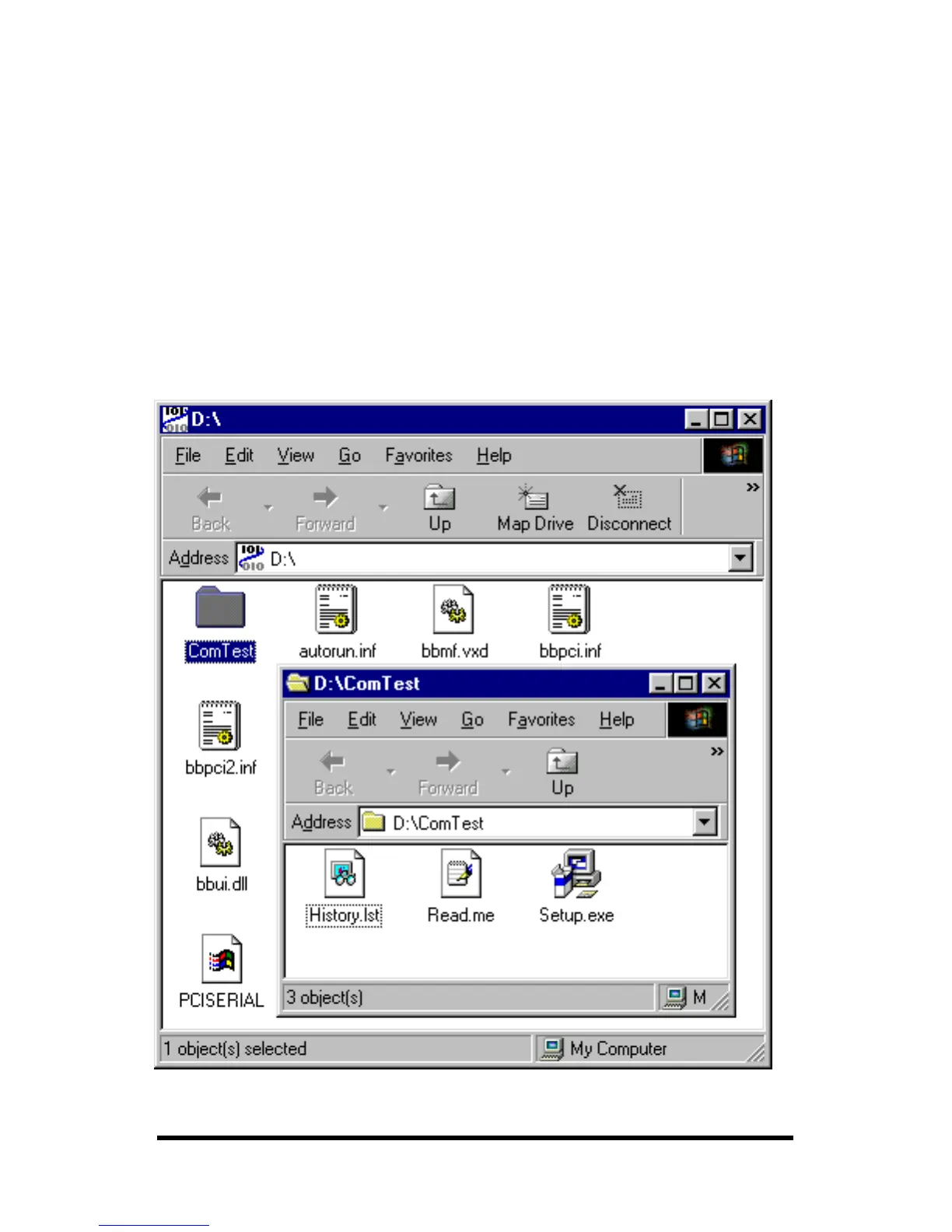
2. Use the ComTest program provided on the Disc with a
loopback to check the card. Double-click on the ComTest folder
to open it.
3. Run Setup.exe to install COMTest on your program menu
under B&B Electronics.



 To Next Page