Figure 60. Delay Block Properties
The Delay Block Properties window allows the user to configure the following:
Name
The input designation.
Safety Output Delay
• None
• Off Delay
• On Delay
Output Delay
Available when the Safety Output Delay is set to either Off Delay or On Delay
Delay time: 1 ms to 5 minutes, in 1 ms increments. The default setting is 100 ms.
Cancel Type
Available when the Safety Output Delay is set to Off Delay.
• Do Not Cancel
• Control Input
• Cancel Delay Node
End Logic
Available when the Cancel Type is set to Cancel Delay Node.
• Keep Output On
• Turn Output Off
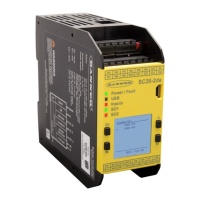
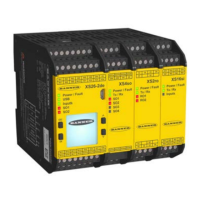
XS/SC26-2 and SC10-2 Safety Controllers
82 www.bannerengineering.com - Tel: + 1 888 373 6767



 To Next Page
