EasyManua.ls Logo

Bannon 57937 - User Manual

Default Icon
21 pages
Print Icon
To Next Page IconTo Next Page
Loading...
READ & SAVE THESE INSTRUCTIONS
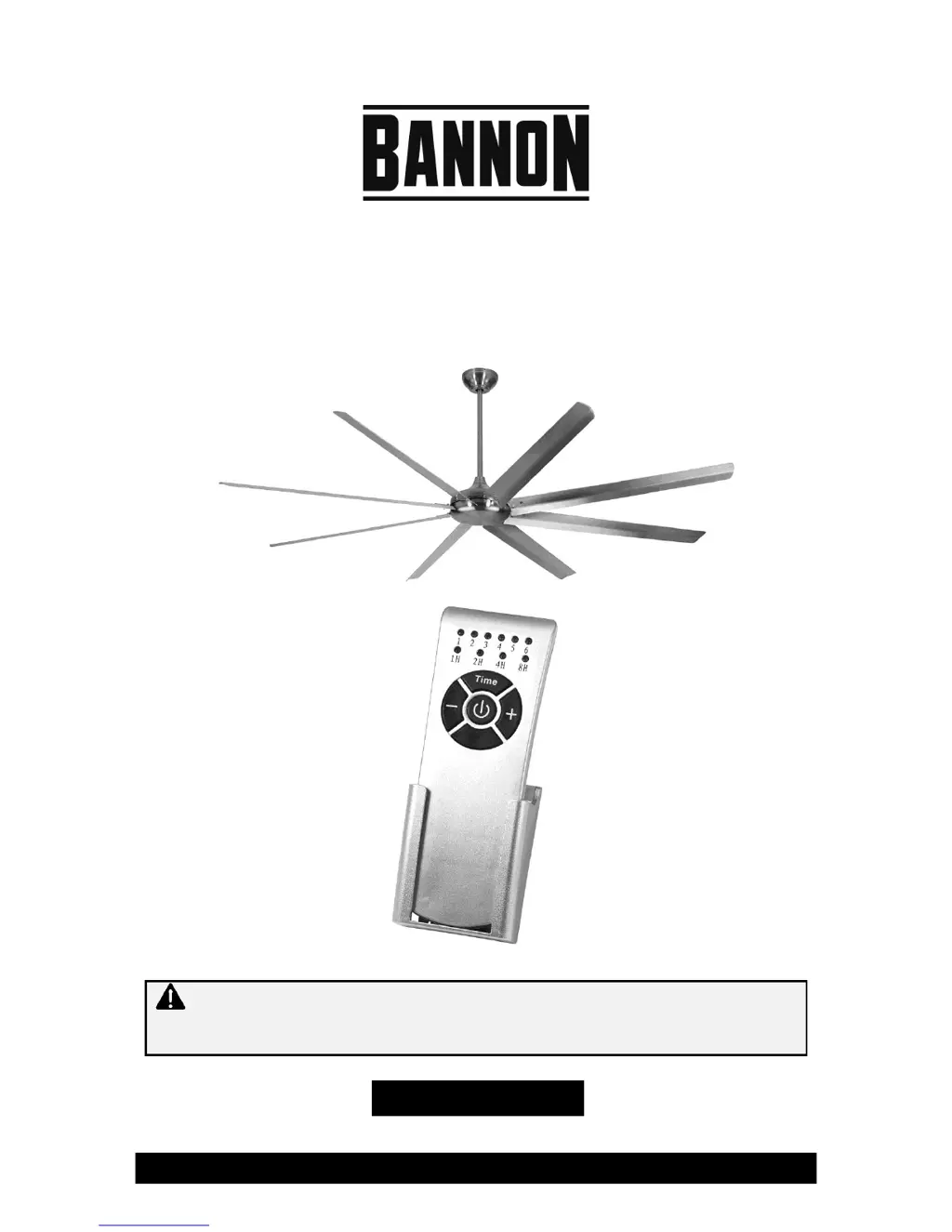
100In. High Volume Ceiling Fan
Owner’s Manual
WARNING: Read carefully and understand all ASSEMBLY AND OPERATION
INSTRUCTIONS before operating. Failure to follow the safety rules and other basic safety
precautions may result in serious personal injury.
Item #57937

Questions and Answers

  • M
    mark48Aug 2, 2025
    Why does my Bannon Fan make excessive noise?
    • M
      Matthew StanleyAug 2, 2025
      Excessive noise from your Bannon Fan can be due to mechanical or electrical interference. Here's what you can check: 1. Ensure all screws in the motor housing are snug. 2. Verify that the screws attaching the fan blades to the motor are tight. 3. Avoid using solid state variable speed controls, as some fans are sensitive to their signals.
  • L
    Laura PalmerAug 13, 2025
    What to do if my Bannon 57937 does not start?
    • R
      ronald11Aug 13, 2025
      If your Bannon Fan isn't starting, the issue might be related to the power supply or connections. You can try the following: 1. Check the main and branch fuses or circuit breakers. 2. Inspect the wire connections. Ensure the main power is off before checking. 3. If the fan still won't start, contact a qualified electrician.
  • W
    walkerelizabethAug 22, 2025
    How to fix a Bannon Fan that wobbles?
    • M
      Michael HaneyAug 22, 2025
      A wobbling Bannon Fan could be caused by unsecured or unbalanced blades, or the ball not being locked in the hanger bracket. Here are a couple of things you can try: * First, unplug the fan from the power source. * Check and re-secure the screws that connect the blades to the motor. * Try interchanging two adjacent blades to redistribute the weight. * Remove the canopy and adjust the ball in the hanger bracket to ensure it's properly seated.

Summary

Important Safety Information

Work Area Safety

General safety guidelines for the work environment.

Personal Safety

Crucial safety precautions for the operator.

Specific Operation Warnings

Assembly and Installation Instructions

Preparing for Installation

Steps before starting the fan assembly process.

Mounting Bracket Installation

Guide for securely attaching the fan's mounting bracket.

Before Each Use

Operating Instructions

Maintenance

Troubleshooting

Parts Diagram

Bannon 57937 Specifications

General IconGeneral
BrandBannon
Model57937
CategoryFan
LanguageEnglish