Ion Calibration Report
This program lets you check the slope of the Ion Selective Electrode.
1. Press MR key in the ion measurement mode, the meter shows “LOC/P-01”.
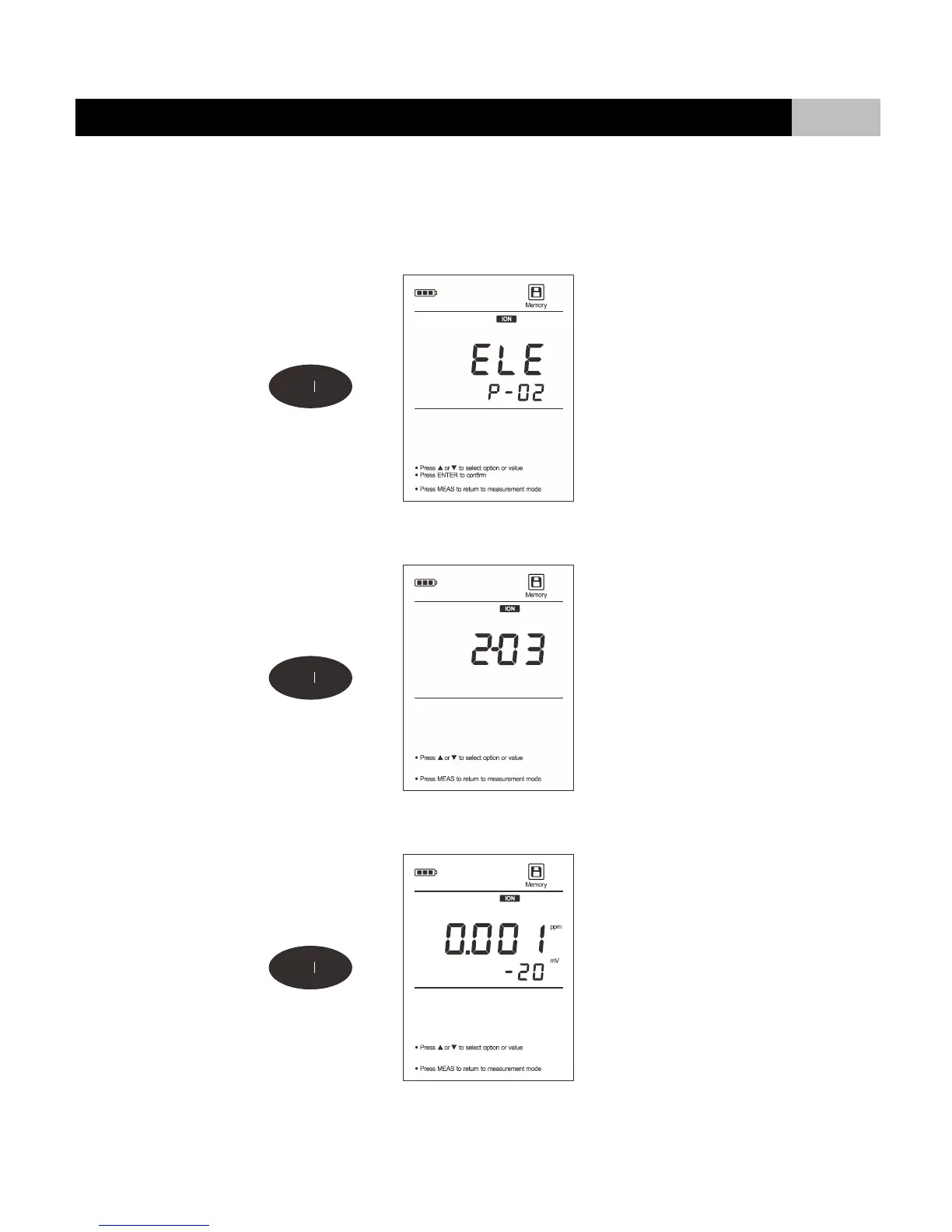
2. Press or key until the display shows “ELE/P-02” (Electrode Diagnosis).
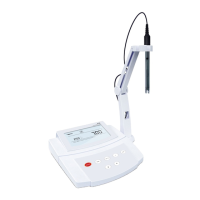
3. Press ENTER key to confirm, the meter shows the last calibration date (Format: mm-dd).
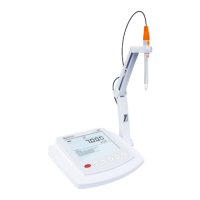
4. Press key, the meter shows calibration point and its slope.
5. After the browsing, press MEAS key to exit the current mode.


 To Next Page