Communication Software
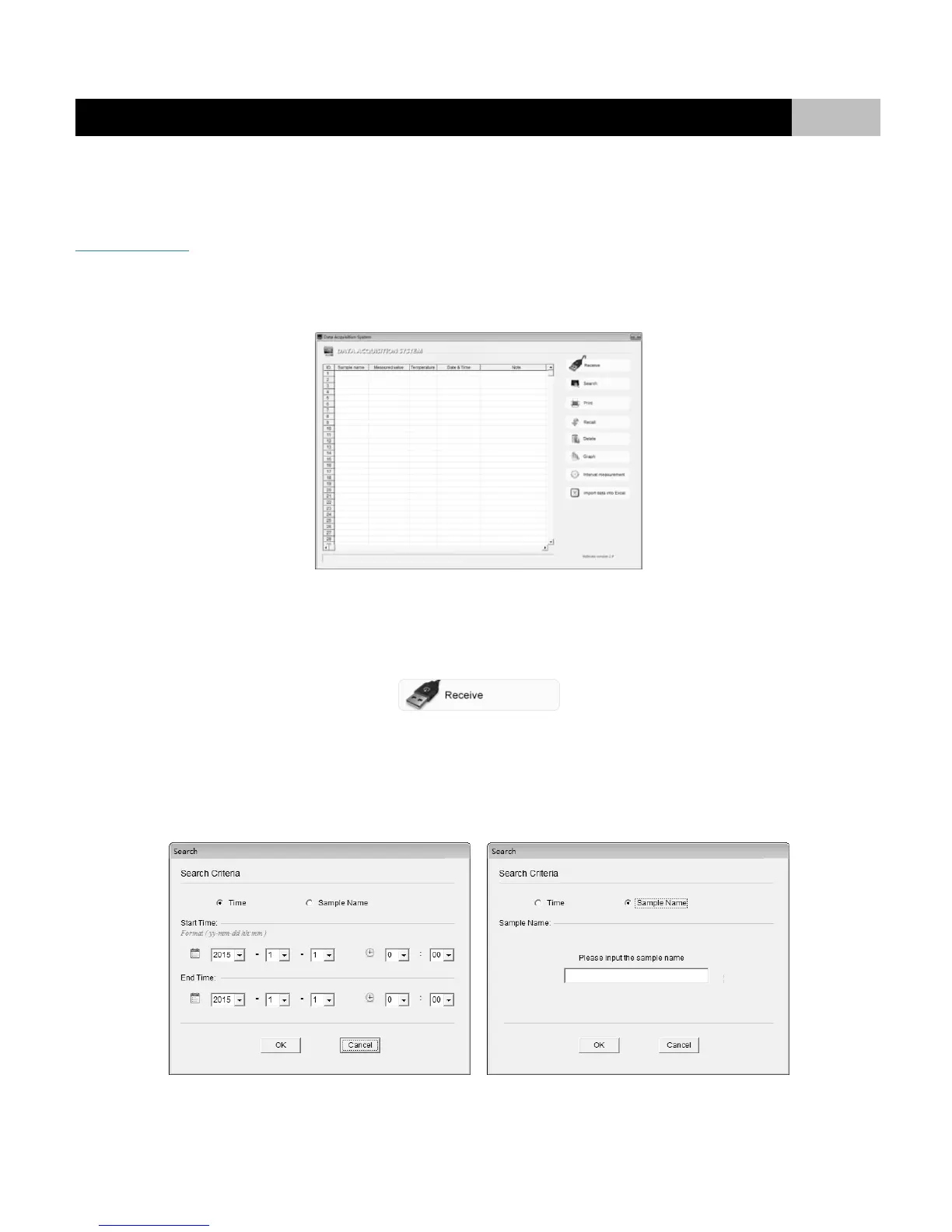
Bante Instruments provides a free Data Acquisition System that can be used to transfer stored data, receive the measuring values or set the interval time
for automatic recording. The system requirement is Windows XP or Windows 7. You can download this software from our official website:
www.bante-china.com
RUNNING THE SOFTWARE:
Click the Data Acquisition System icon on the start bar, the DAS splash screen appears for few seconds and then the application starts.
RECEIVING THE STORED DATA:
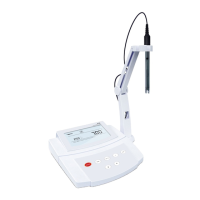
Connect the USB cable to meter and computer (communication port: COM1, baud rate: 9600). Click the Receive button, the stored data in meter will
automatically send to computer.
SEARCHING THE DATA:
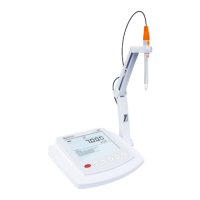
If you would like to search a specific measured value from the database or uploaded data, click the Search button, the screen will show a Search Criteria
dialog. Available search criteria include the time and sample name. After selecting or entering the search criteria, click the OK button, the screen will show
all qualified records.


 To Next Page