Conductivity Calibration Report
This program lets you check the calibration factor of the conductivity electrode.
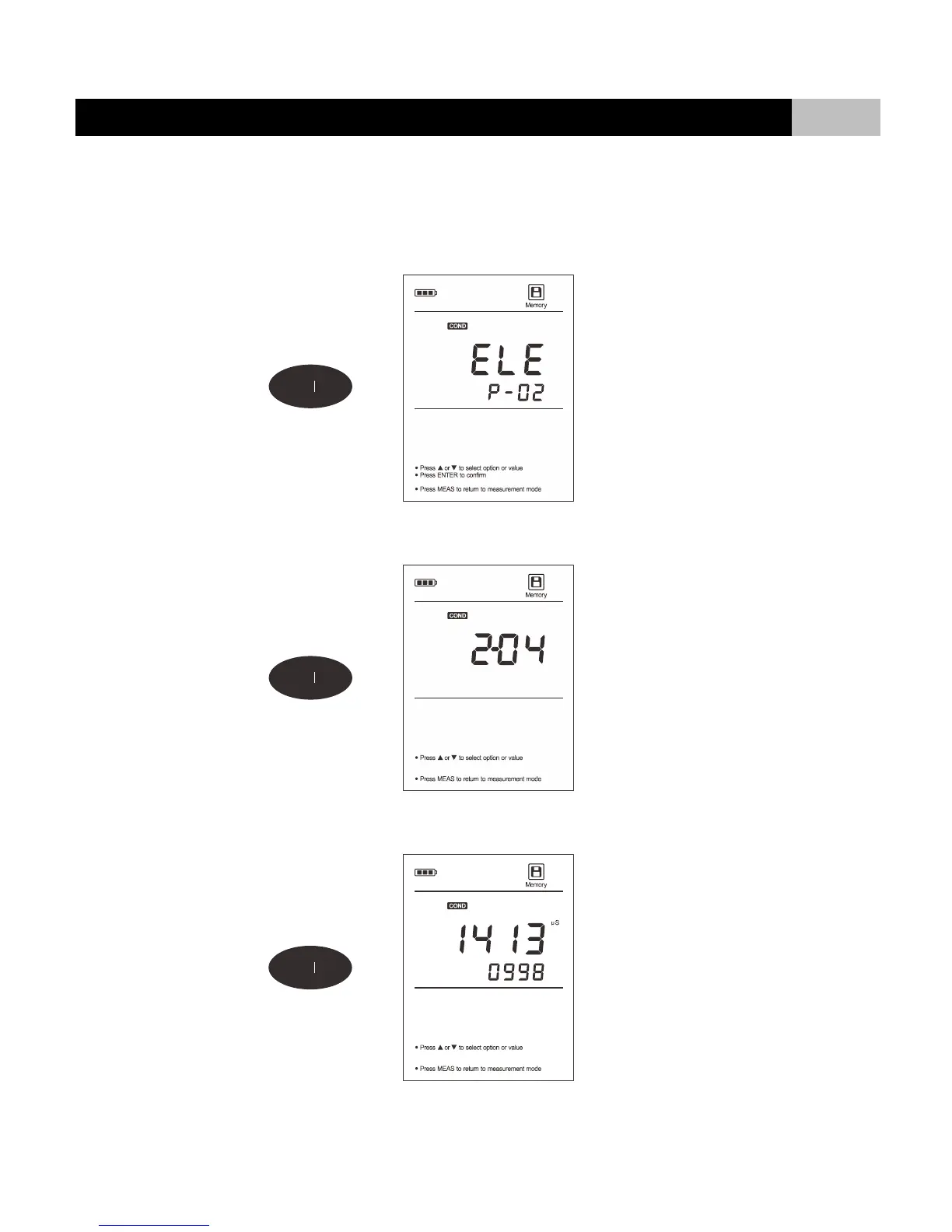
1. Press MR key in the conductivity measurement mode, the display shows “LOC/P-01”.
2. Press or key until the meter shows “ELE/P-02” (Electrode Diagnosis).
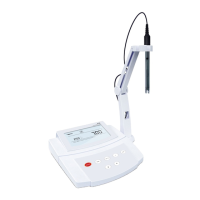
3. Press ENTER key to confirm, the meter shows the last calibration date (Format: mm-dd).
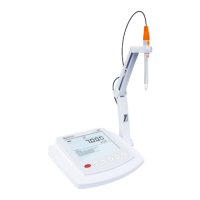
4. Press key, the meter shows calibration point and calibration factor (e.g., K=0.998).
5. After the browsing, press MEAS key to exit the current mode.


 To Next Page