CREATE THE EXCEL DATA FILE:
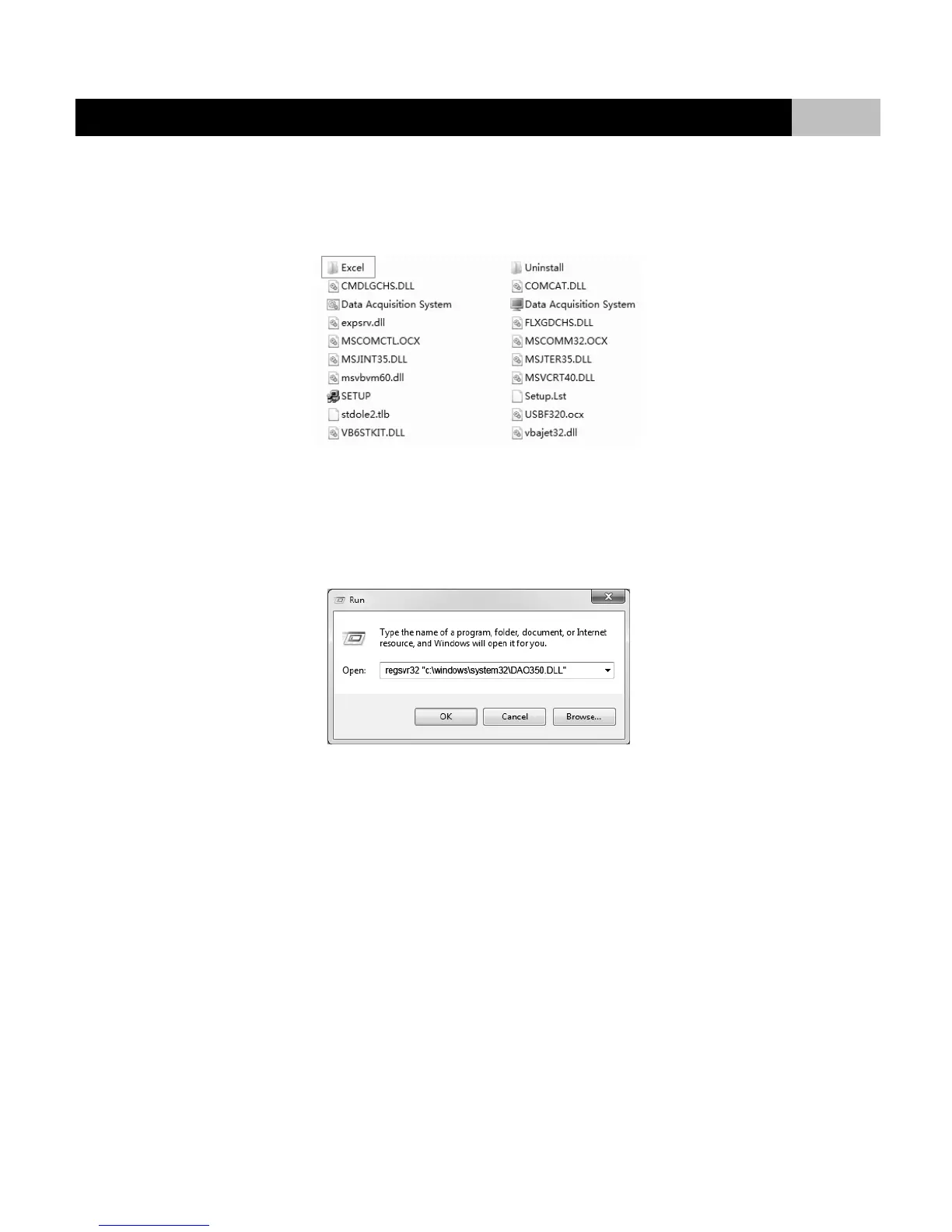
When the transfer is complete, click the “Import data into Excel” button, the measured value in the data sheet will be converted to Excel file. You can follow
the path below to find the Excel file: C:>Program Files>Data Acquisition System>Excel
NOTE:
● The software is run in operating system Windows XP. If your system is Windows 7, please using the file "CP210x_VCP_Windows" to update your device
manager.
● If the computer displays "Error" during the first run, please open the windows "Run" command, then enter the command below in text input field:
regsvr32 "c:\windows\system32\DAO350.DLL
● Please make sure your meter is connect to communication port "COM1", baud rate: 9600.


 To Next Page