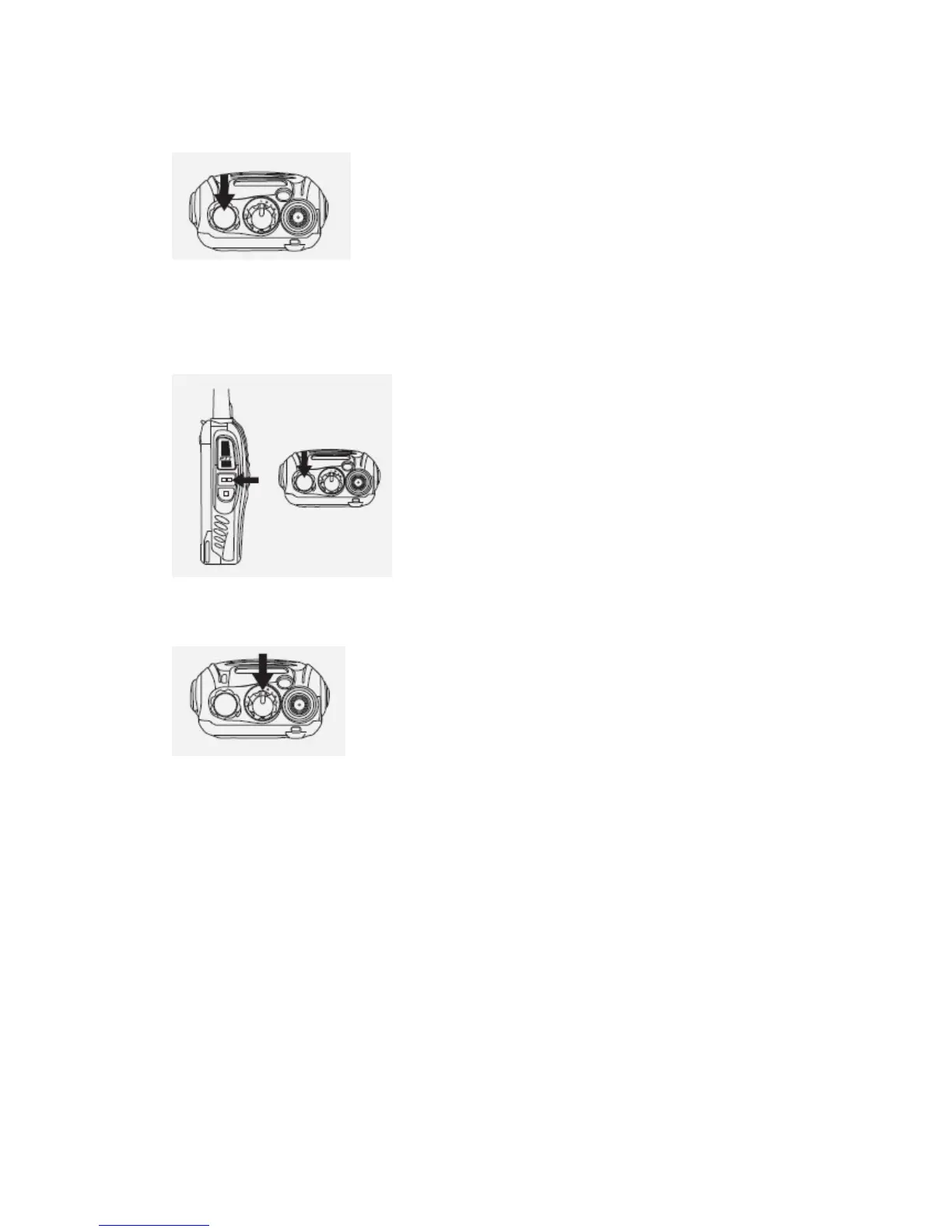
Turn the power switch/volume control clockwise. You will hear a beep and
speech, indicating the transceiver is ON.
ADJUSTING THE VOLUME
Hold Monitor button down to listen to audio level while rotating the Power
switch/Volume control. Rotate clockwise to increase and counterclockwise
to decrease volume.
SELECTING THE CHANNEL
Turn the channel switch to select your desired channel. NO.16 is Scanning
Channel.
TRANSMITTING
1.To transmit, press and hold [ PTT ] and speak into the microphone in
your normal tone of voice.
The LED indicator lights continuously red when transmitting.
To maximize sound clarity at the receiving station, hold the transceiver 2
to 3 inches from mouth and talk in normal tone of voice.
2.Release [ PTT ] to receive.



 To Next Page