14
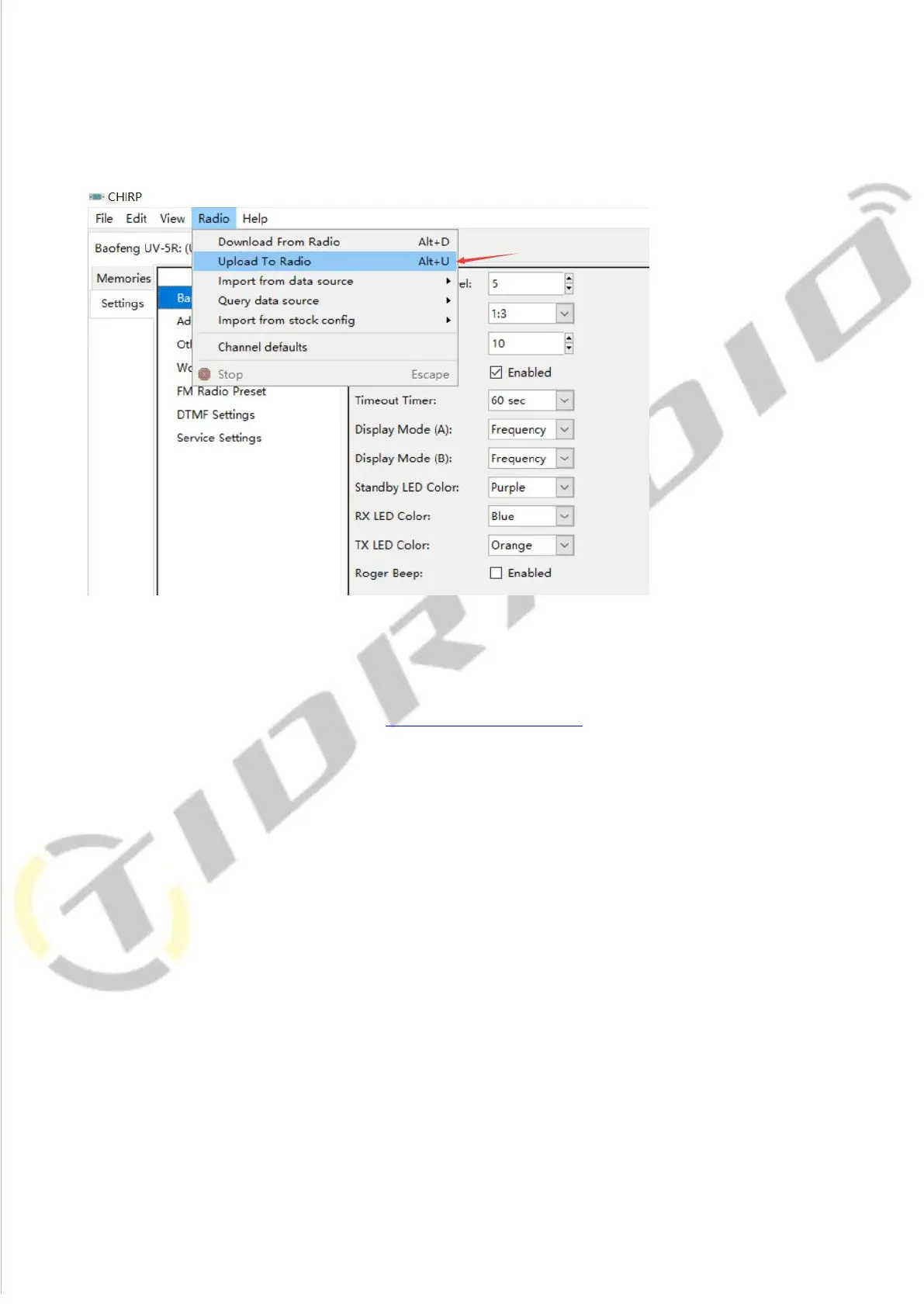
5) All the modification will be saved by clicking "Upload To Radio" under "Radio".
Then you can check the settings you modified after reboot the radio.
*If you have any problem with the BaoFeng UV5R radio using or programming, please don’t
hesitate to contact us via support: walkietalkiesoftware.com.Also visit our Facebook pages
(TIDRADIO) for more help. It’s always our honor to help.














 To Previous Page