EasyManua.ls Logo

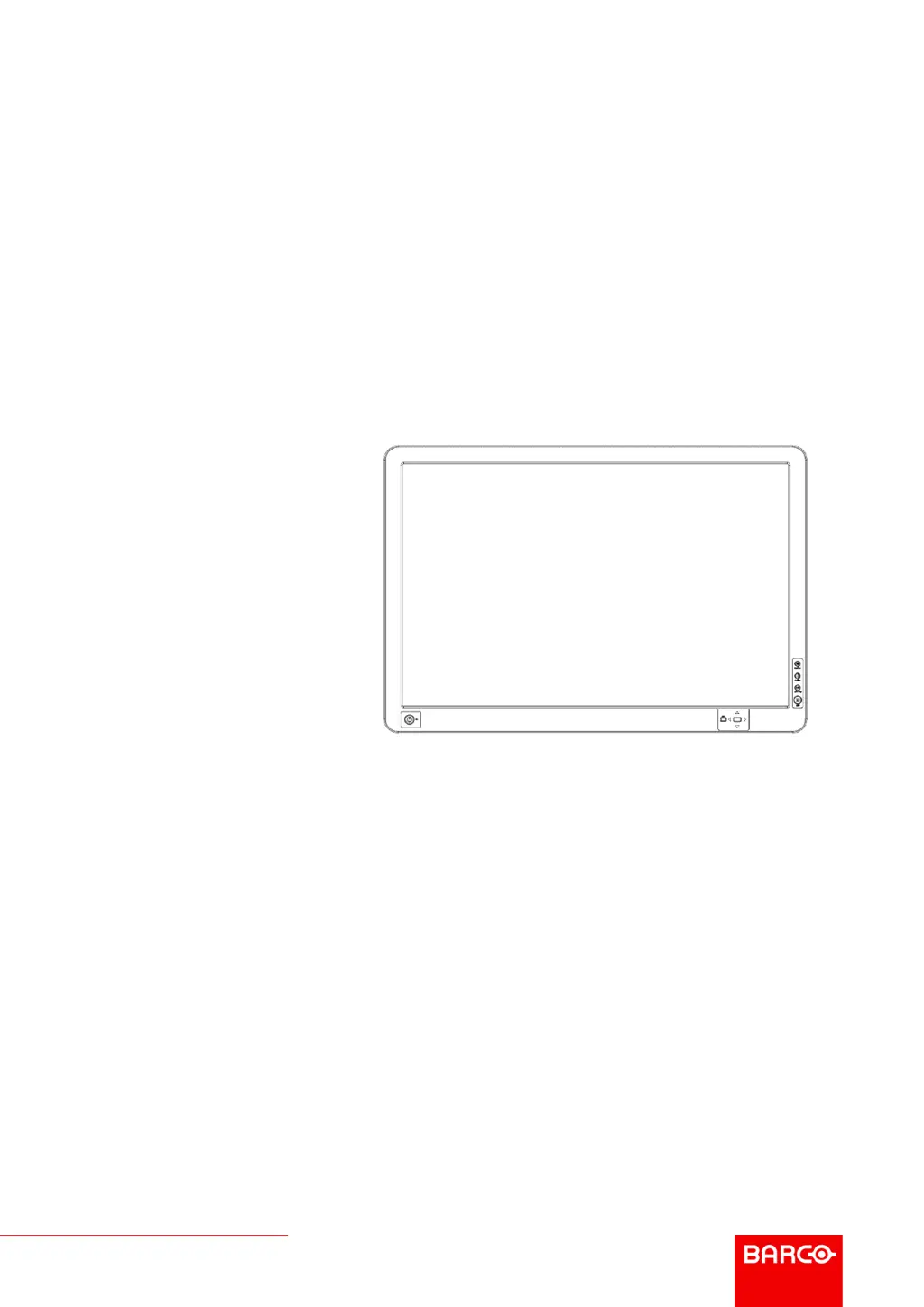
Barco AMM240ED - User Manual

Barco AMM240ED
44 pages
Print Icon
To Next Page IconTo Next Page
Loading...
ENABLING BRIGHT OUTCOMES
User Guide
AMM240ED

Other manuals for Barco AMM240ED

Questions and Answers

  • M
    michael14Aug 6, 2025
    What to do if my Barco AMM240ED Medical Equipment shows no picture?
    • G
      Gavin HughesAug 7, 2025
      If your Barco Medical Equipment display shows no picture and the power LED is ON, use the On-Screen Display (OSD) to adjust the brightness and contrast to the maximum settings, or reset to the default settings. If the power LED is OFF, check the Standby Power Button and the main Power switch. Also, verify that the AC power cord is properly connected to the AC adapter. If the power LED is blinking, ensure the video signal cable is securely connected to the back of the display and that the computer system is powered ON.
  • N
    Nicole BradyAug 10, 2025
    Why is my Barco AMM240ED displaying an unstable picture?
    • G
      Garrett BlackAug 11, 2025
      An unstable picture on your Barco Medical Equipment display may be due to a mismatch in the input signal frequency. Verify that the specifications of both the graphics adapter and the display are in compliance.
  • Z
    zrussellAug 15, 2025
    What to do if the display on my Barco AMM240ED is missing, shifted, or the wrong size?
    • B
      Blake Daniel Jr.Aug 15, 2025
      If the display on your Barco Medical Equipment is missing, center-shifted, or the size is incorrect, use the Screen Control Menu to adjust the Phase, Frequency, Horizontal, and Vertical settings. This should correct the display image.
  • G
    Gregory DrakeAug 19, 2025
    What to do if my Barco AMM240ED has no picture?
    • R
      Roberto GomezAug 20, 2025
      If your Barco Medical Equipment displays no picture, here are a few things you can check: * **Power LED ON:** Use the On-Screen Display (OSD) to adjust the brightness and contrast to the maximum level, or reset them to their default settings. * **Power LED OFF:** Verify that the Standby Power Button and the main Power switch are properly engaged. * **AC Power Cord:** Ensure the AC power cord is correctly connected to the AC adapter. * **Power LED Blinking:** Check that the video signal cable is securely connected to the back of the monitor. * **Computer Power:** Confirm that the computer system is powered ON.
  • J
    Joshua HillAug 25, 2025
    Why is the picture on my Barco Medical Equipment display unstable?
    • C
      Cassandra MooreAug 25, 2025
      An unstable picture on your Barco Medical Equipment display could be due to a mismatch between the graphics adapter and monitor specifications, leading to an input signal frequency mismatch. Check if the specifications are in compliance.
  • D
    David PaulAug 28, 2025
    How to fix a missing, shifted, or incorrectly sized display on Barco AMM240ED Medical Equipment?
    • K
      Keith OwensAug 28, 2025
      To correct a display image that is missing, shifted, or the wrong size on your Barco Medical Equipment, use the Screen Control Menu to adjust the Phase, Frequency, Horizontal, and Vertical settings.
  • L
    laura90Sep 1, 2025
    How to check power issues on Barco AMM240ED Medical Equipment if there is no picture?
    • R
      riverastephenSep 1, 2025
      If your Barco Medical Equipment shows no picture, check these power-related items: * If the power LED is off, check the Standby Power Button and Power switch. * Ensure the AC power cord is properly connected to the AC adapter. * Also, make sure the power to the computer system is ON.

Barco AMM240ED Specifications

General IconGeneral
Display Size24 inches
Resolution1920 x 1200
Contrast Ratio1000:1
Color GamutsRGB
Color Depth10-bit
ComplianceDICOM Part 14
Brightness400 cd/m²
Viewing Angle178°
ConnectivityDisplayPort, USB
CalibrationDICOM calibrated
Medical CertificationsCE, IEC 60601-1

Related product manuals