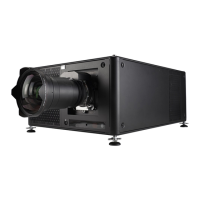
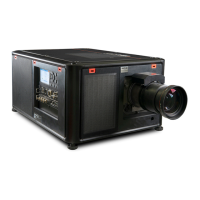
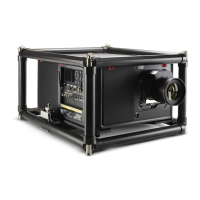
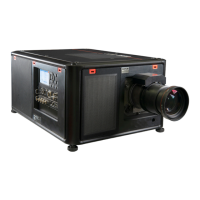
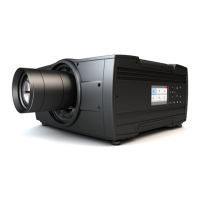
2. Orientation of the unit is set as standard in table front projection mode.
Change the projector set up in the INSTALLATION > ORIENTATION menu.
3. For Advanced adustments like Warping, Light management, etc. see projector User Guide.
1. Adjust the lens settings by pressing the lens menu button on the keypad or via the zoom,
shift and focus buttons on the RCU.
1. Press the Power on/o button for three seconds.
2. Wait until the after-cooling cycle is finished (approximately 30 seconds).
3. Turn the mains switch to o (’0’).
4. Unplug the power cord from the projector.
Adjust
Switch o
Precautions
- Remove the lens before transporting the projector.
- Switch the projector to standby mode and wait until the after-cooling
cycle is finished before switching o the main power.
- Ensure the projector is operating with clean filters.
- Do not block the ventilation in and outlets of the projector and chiller
(if used).
- External laser light can cause severe damage to the DMD. This damage
is not covered by warranty.
1 2
3
4
3 sec
30 sec


 To Next Page
 Loading...