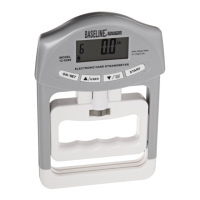
Baseline® Push / Pull Dynamometers User’s Guide
14. Any errors are reported by the following screens:
Displayed at the start of calibration if a disallowed unit is selected.
Ensure that the load is not swinging, oscillating, or vibrating in any manner. Then try again.
The calibration weight does not match the set value.
The entered calibration point is too close to the previous point.
CALIBRATION
TENSION
Load too close
to previous
Please try again
CALIBRATION
Load not stable
Please try again
CALIBRATION
Units must be kgF
Please try again
Press ENTER
CALIBRATION
COMPRESSION
Load too low
Please try again


 To Next Page