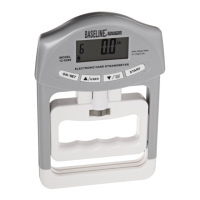
Baseline® Push / Pull Dynamometers User’s Guide
Press ENTER to modify the contrast. Select a value from 0 to 25, 25 producing the most contrast.
9.4 Initial Mode
This section is used to configure the initial mode upon powering on the dynamometer. To access this
parameter, select Initial Mode from the menu. The screen appears as follows:
The default value is Real Time.
9.5 Restore Default Settings
Default factory settings can be restored by selecting Restore Defaults from the menu. The settings may
be found in the Specifications section. The screen appears as follows:
9.6 Information / Welcome Screen
The following screen is displayed at power-up and can be accessed at any time by selecting Information
from the menu:
RESTORE DEFAULT
SETTINGS?
No
Yes
Push / Pull Dynamometer
Model No: 12-0342
Serial No: 1234567
Version: 2.0
INITIAL MODE
* Real Time
Peak Compression
Peak Tension
LCD CONTRAST
Set Contrast
10


 To Next Page