Download and install the APP
Search “BaseusControl” and download the APP from AppStore or Google Play or by
simply scanning the QR code below.
BaseusControl APP supports iOS 10.0 or above and Android 6.0 or above.
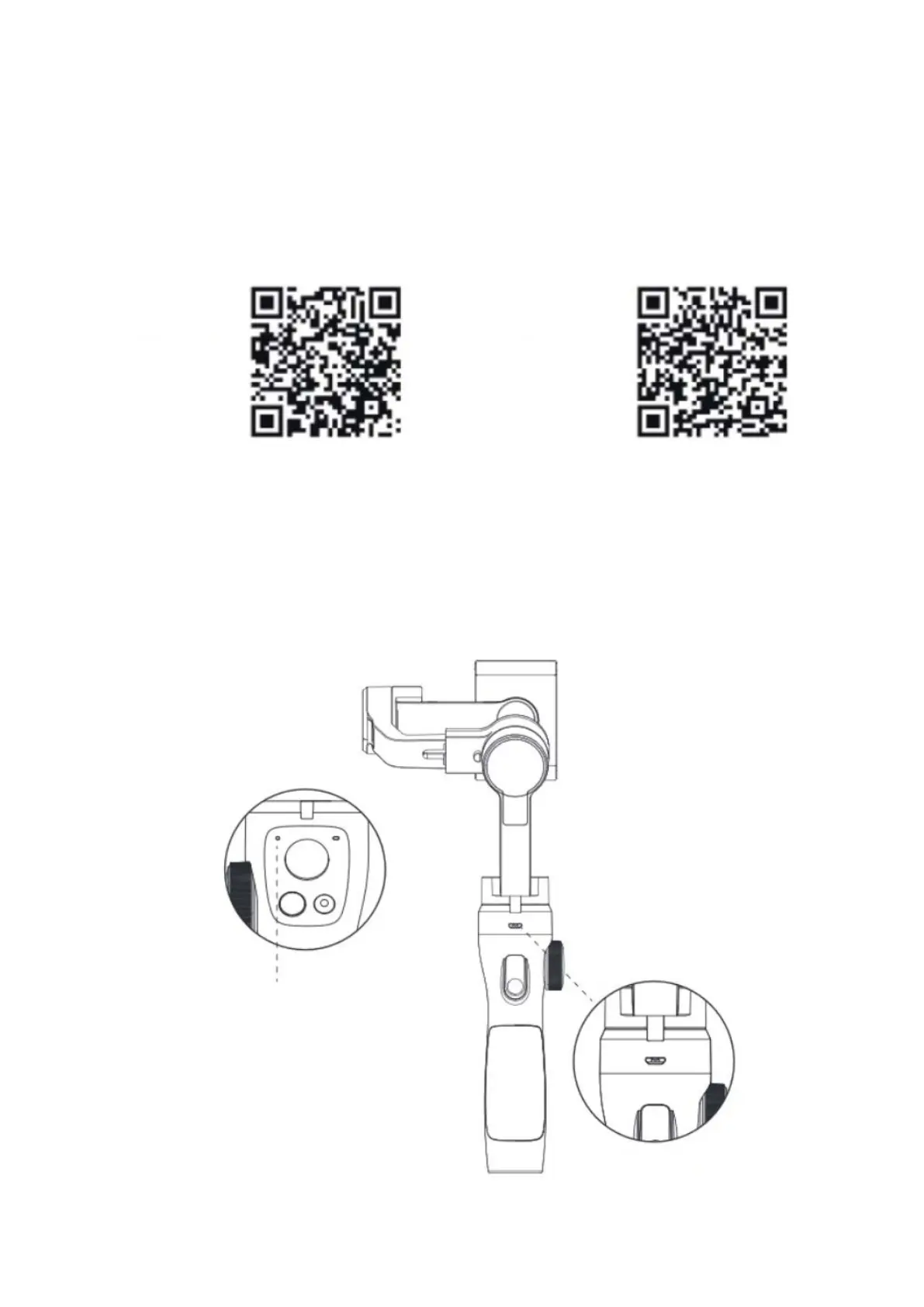
Gimbal charging
• Connect the Micro charging cable with the gimbal and USB charge to charge the
stabilizer. The charging time is about 2.5 h (using a 10 W charger).
• The red light blinks during charging, then turns green when fully charged.
Check the battery level through the lights:
Green lights on: 100 %
- 30 %
Red light blinks: below 10 %, please charge


 To Next Page