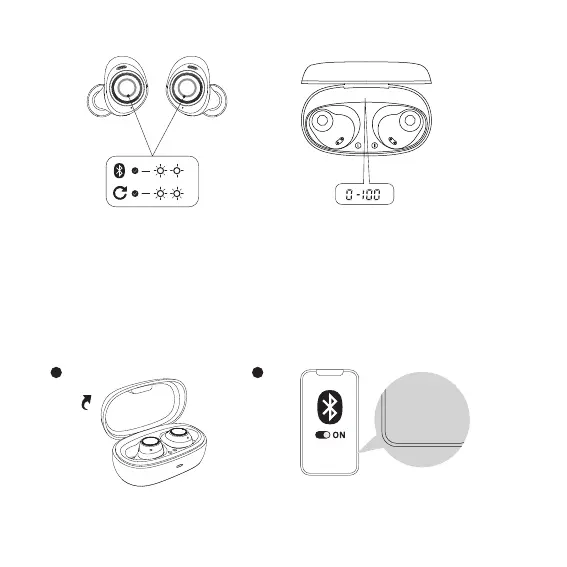
5. Indicators
① Pairing mode: One indicator fast blinks white, and one indicator slowly blinks white.
② Factory reset: Both earphones will flash white rapidly three times before turning off.
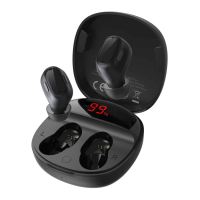
③ Charging case battery level:
The digital display inside the case corresponds to a battery level of 0% to 100%.
6. Pairing
Open the charging case, take out and wear the earphones. Tap Baseus Bowie MA10 Pro in the Bluetooth device list.
3s
%
03


 To Next Page