3
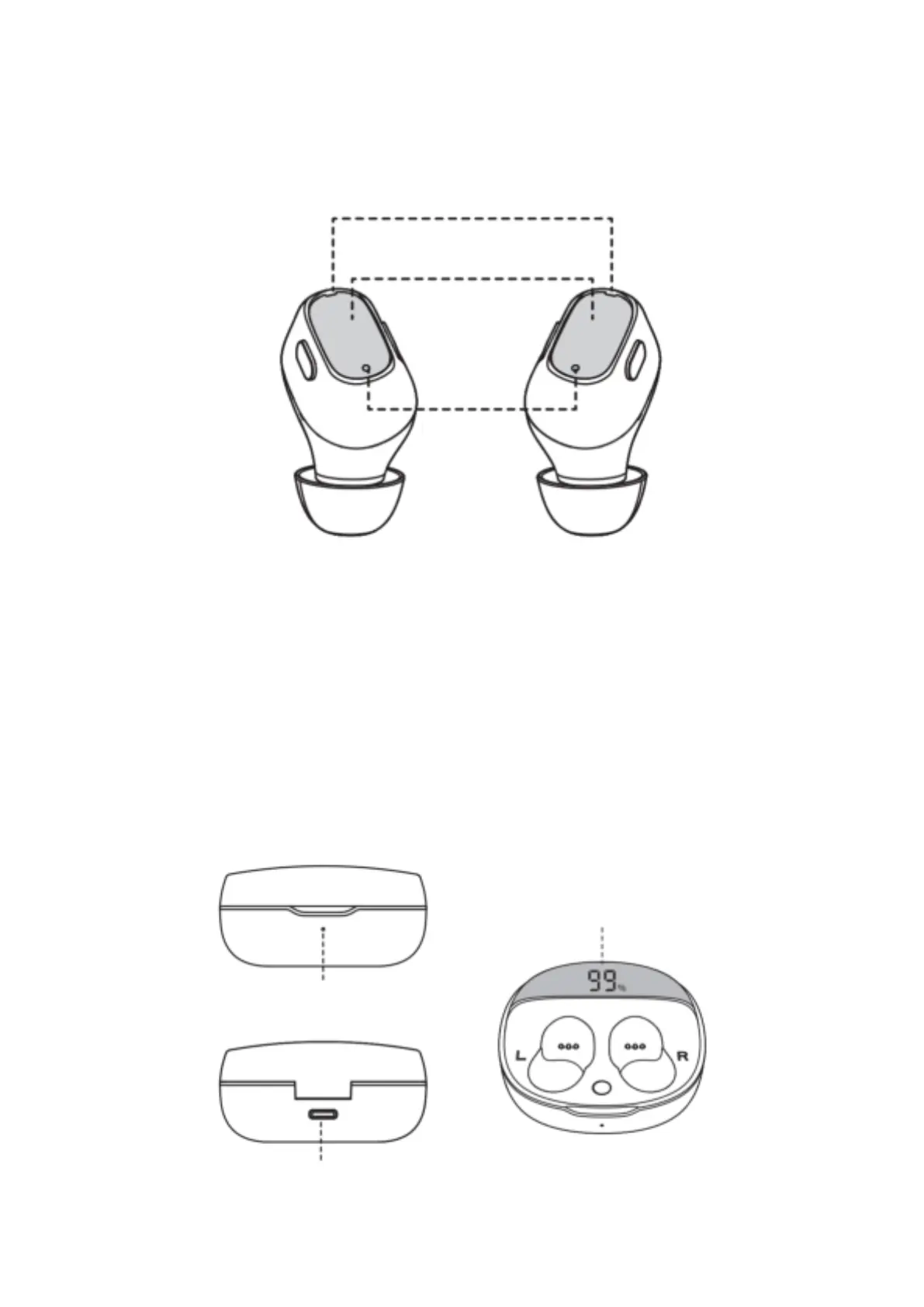
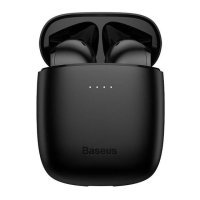
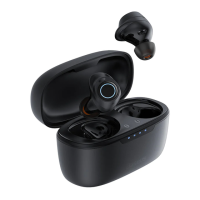
Product diagram
Double click touch area – Take out the earphones from the charging case and long press
for 3 seconds to turn them on.
Music mode:
• Long press left earphone for 2 s: previous song
• Long press right earphone for 2 s: next song
• Double-click the right earphone: play / pause
• Double-click the left earphone: activate voice assistant
Call mode:
• Double-click left and right earphone: answer / hang up
• Long press left and right earphone: reject a call
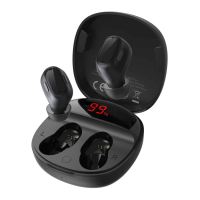
The digital display of the charging case:
shows the battery percentage of the
charging case


 To Next Page