5
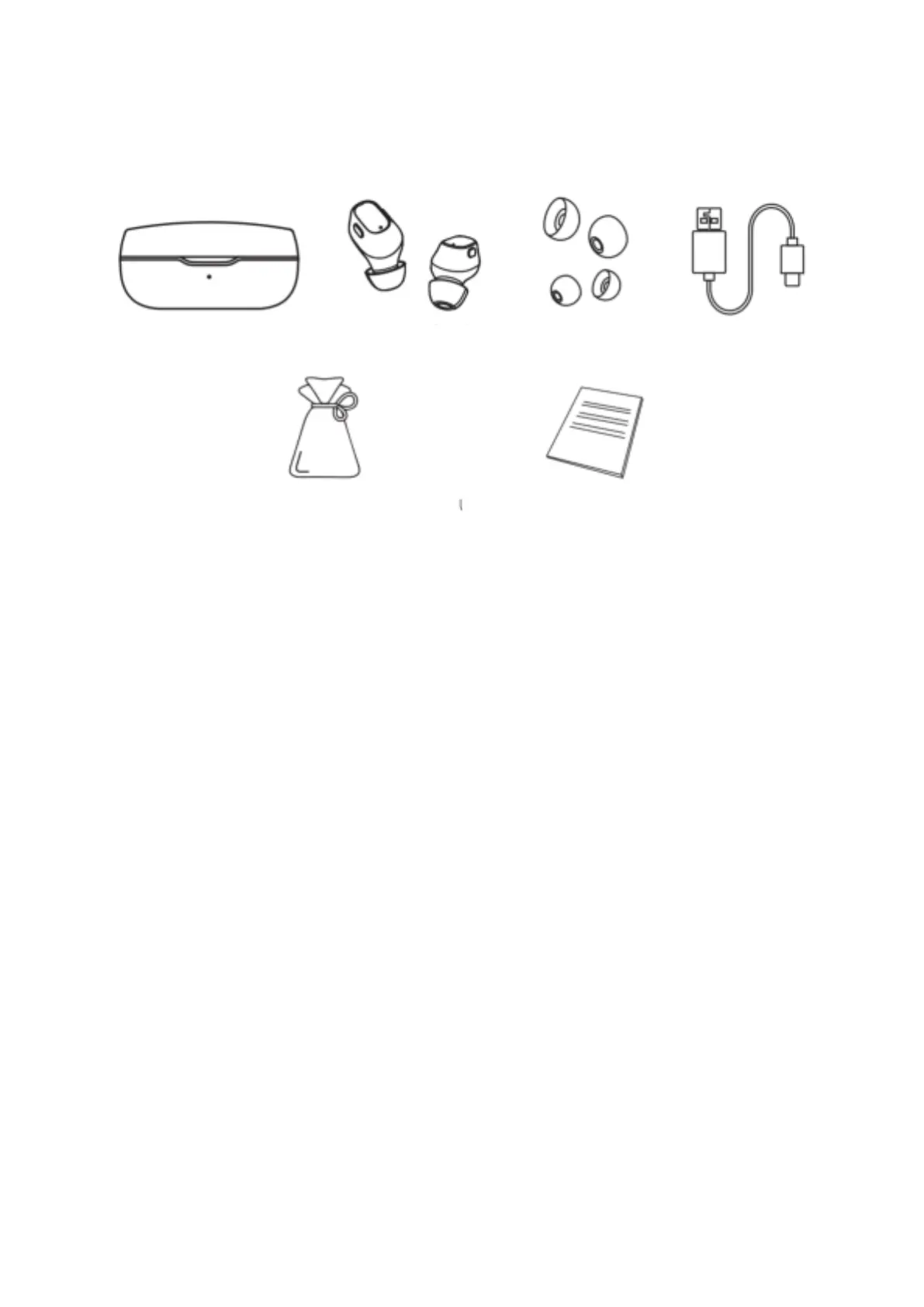
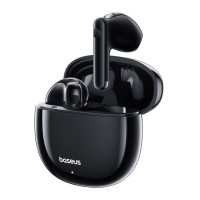
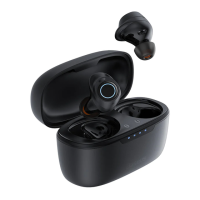
Package contents
Product operating method
Before using for the first time, please tear off the insulating sticker on the earphone, and
then put it in the charging case to charge. After the earphone and charging
compartment are fully charged, remove the earphone from the warehouse. The
earphone will automatically turn on. Wait for a few seconds to see a earphone White
light flash quickly. When the white light’s flashing, you can open the phone’s Bluetooth
and connect to the earphones.
Function definitions (Using both earphones)
• Start – Take out the earphones from the charging case or long press the left and
right earphones for 3 seconds to start the pairing between the left and right
earphone. After the pairing is successful – when the light of one earphone flashes
quickly and the while light of the other earphone flashes slowly, they enter the
two-ear pairing mode. Lastly, turn on the phone’s wireless to search the
earphones to connect and use.
• Shutdown – put the earphones into the charging case and the earphones will
power off automatically. The charging case will charge the earphone
automatically.
Earphone charging
case ×1
User manual & Warranty card ×1


 To Next Page