62
ENGLISH
Block means: current speed is almost the same as
the average speed of the ride.
With the option Average Speed you indicate whether you want to show the
indicator in the display or not.
2.9 View options
By briefly pressing the MODE button, you decide what you want to show at
the bottom right of the display. All possible display options are briefly
explained below.
2.9.1 Time/Temperature
With menu settings you can select whether want to see Time, Temperature
or nothing as a standard at the bottom left of the display (see § 2.8.4). The
non-selected option(s) will then be placed automatically under display
options.
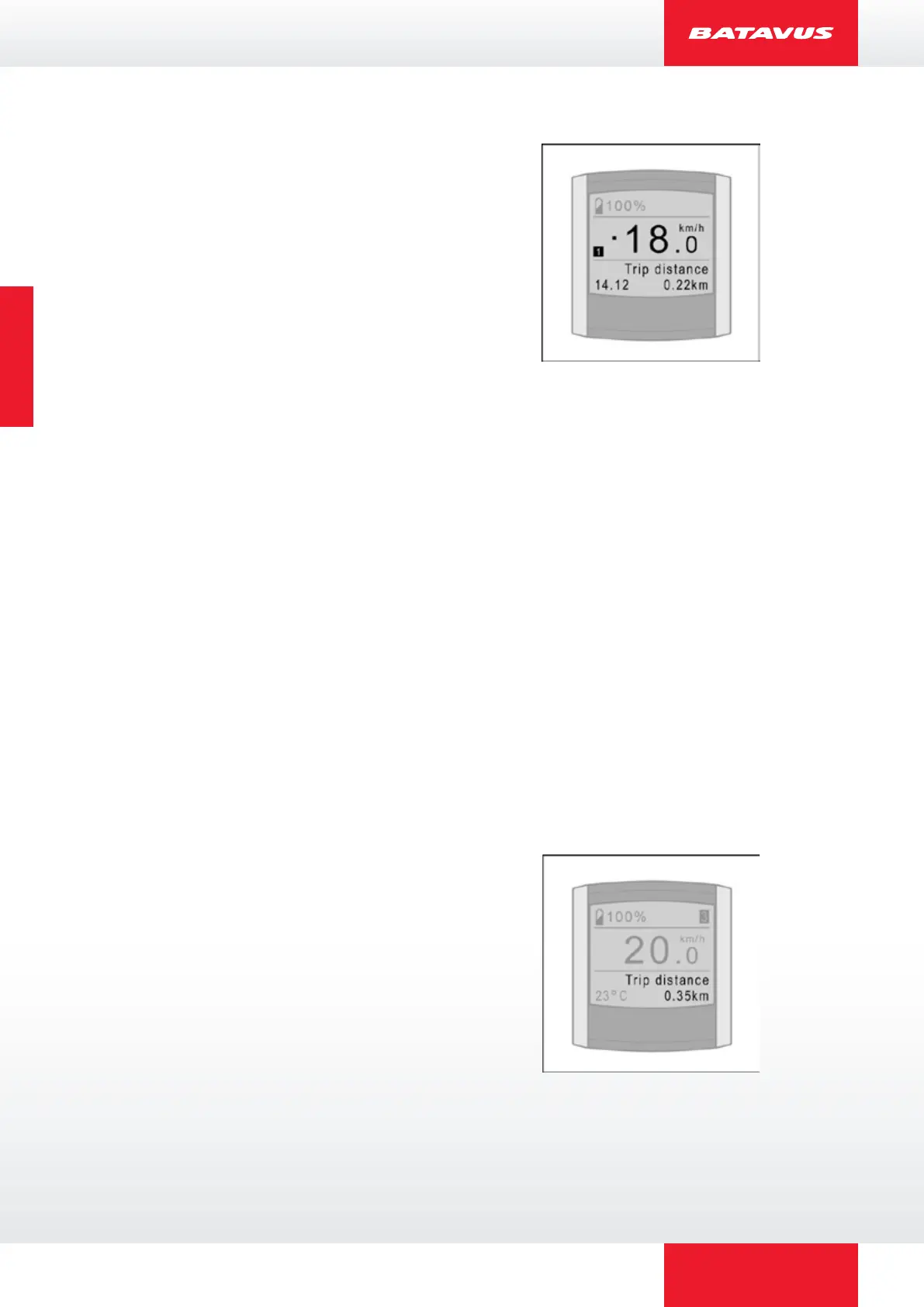
2.9.2 Trip distance
The trip distance measured from the moment that
you start cycling.
For resetting the “Trip distance” see § 2.9.9.



 To Next Page