65
ENGLISH
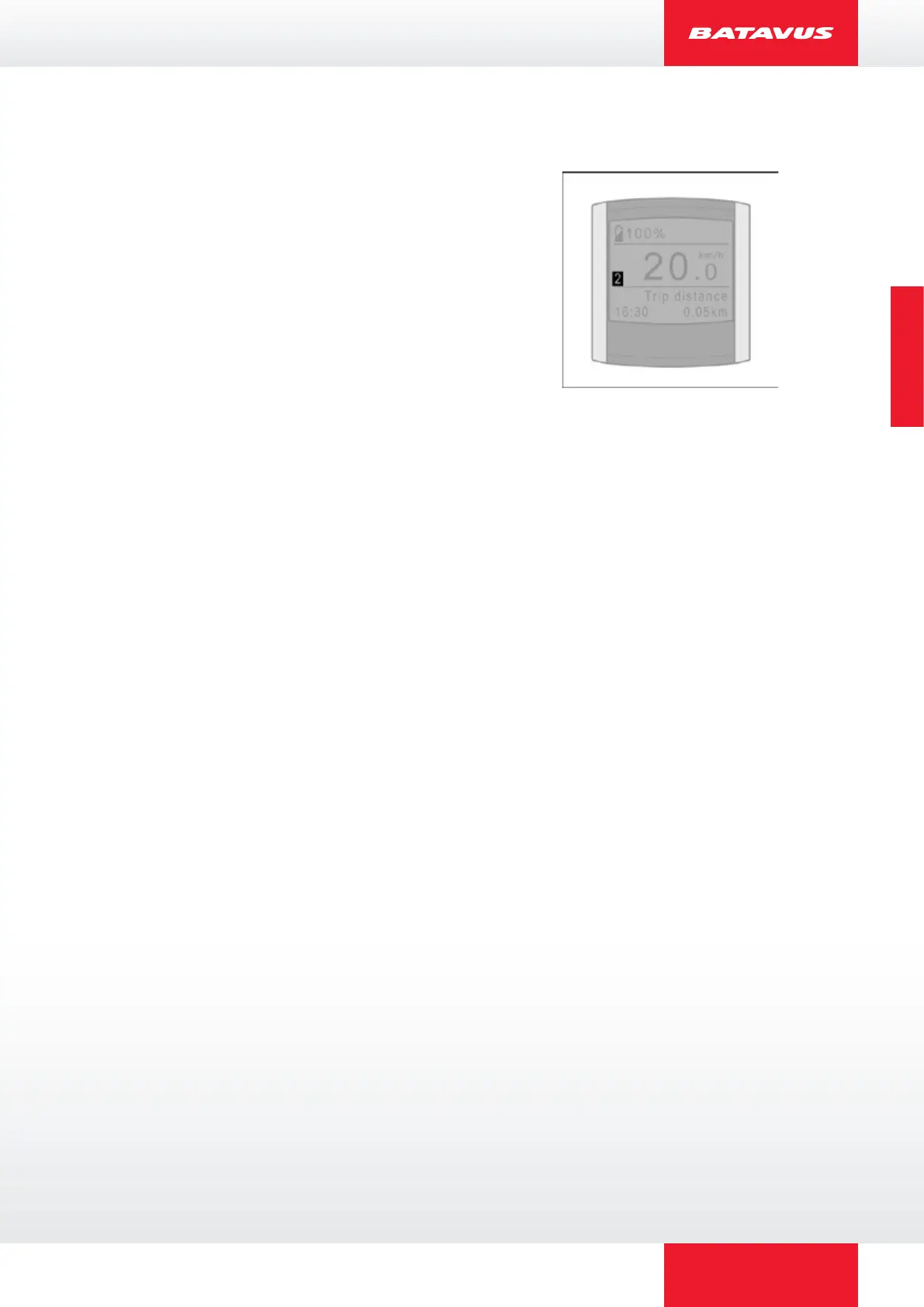
2.9.9 Trip 1 and Trip 2
The Trip distance, Trip time, Average speed and
Maximum speed are linked to each other and are
kept track of twice, that is, in Trip 1 and Trip 2.
You can select between the view of Trip 1 and Trip
2 on the display by pressing the red button briefly.
Resetting Trip 1 will be automatic when the bicycle
is not used for more than 2 hours. Trip 1 can also
be reset manually by keeping the red button
pressed for a long time.
You can only reset Trip 2 manually by keeping the
red button pressed for a long time.



 To Next Page