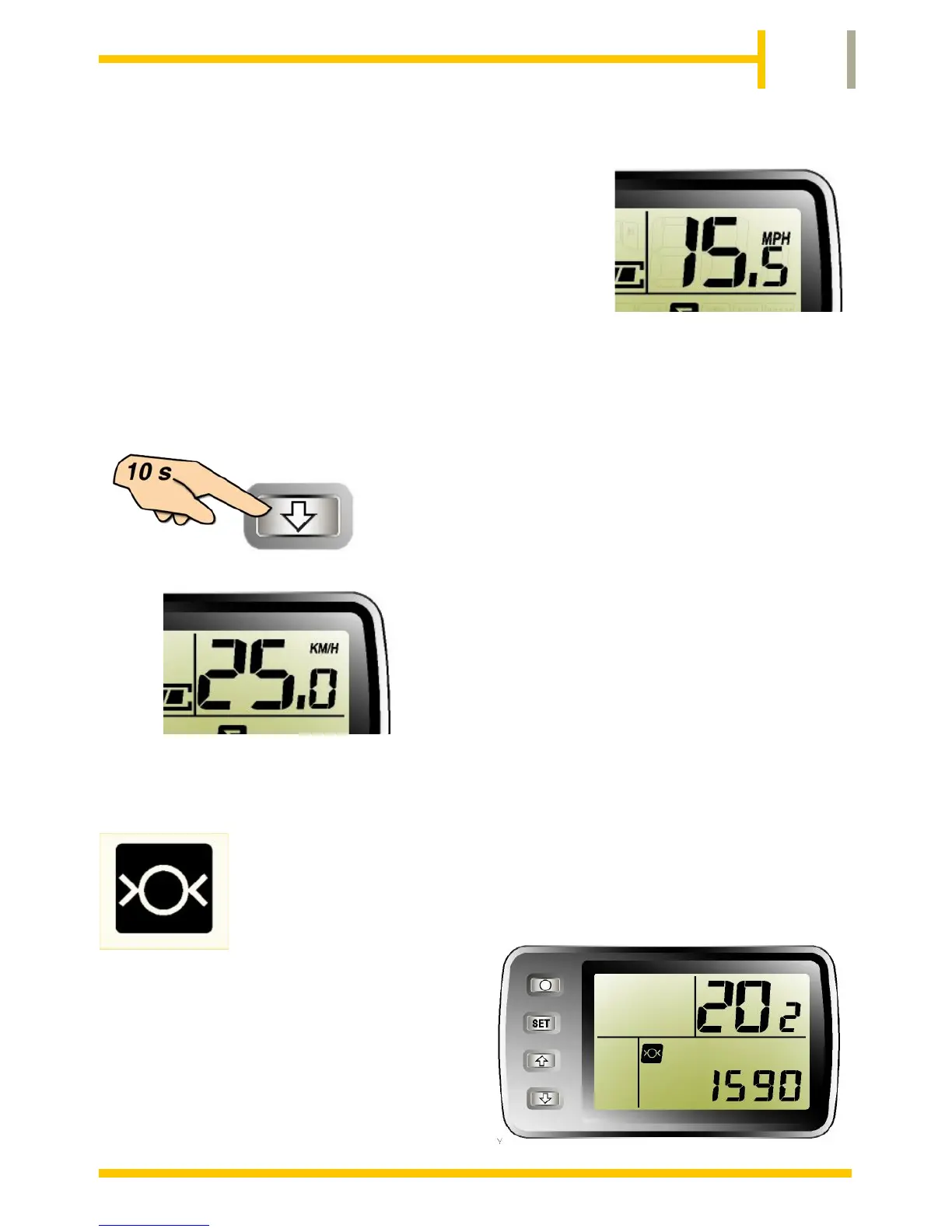
The upper right corner of the LCD will
normally display the current speed of the
bicycle.
This can be set to Miles per Hour (MPH) or
Kilometres per Hour (KMH). The display is
accurate to about 10% when the wheel size
is correctly calibrated and the tyre inflated as per the
manufacturers recommendations.
To change from MPH to KMH or
vice versa, press the DOWN
button and hold for 10 seconds.
(Until the MPH or KMH indicator
changes).
It is important to set the correct wheel size to calibrate
the display so that reasonably accurate speed and
distance can be shown.
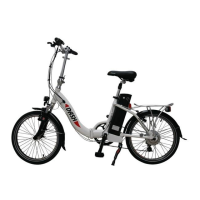
The DASH model is
supplied with a 20" wheel and
has been set to 20.2/1590 prior
to leaving the factory.
This setting should not be
changed.


 To Next Page