Argo 2011 ver.02 5 2011
8. MENU
To gain access to the MENU, press the key shown on the left. To exit from the
MENU press ESC or wait for 5 seconds.
MENU:
HOURS OF WORK
TOTAL
HOURS:
Cannot be zeroed
To exit
PARTIAL
HOURS:
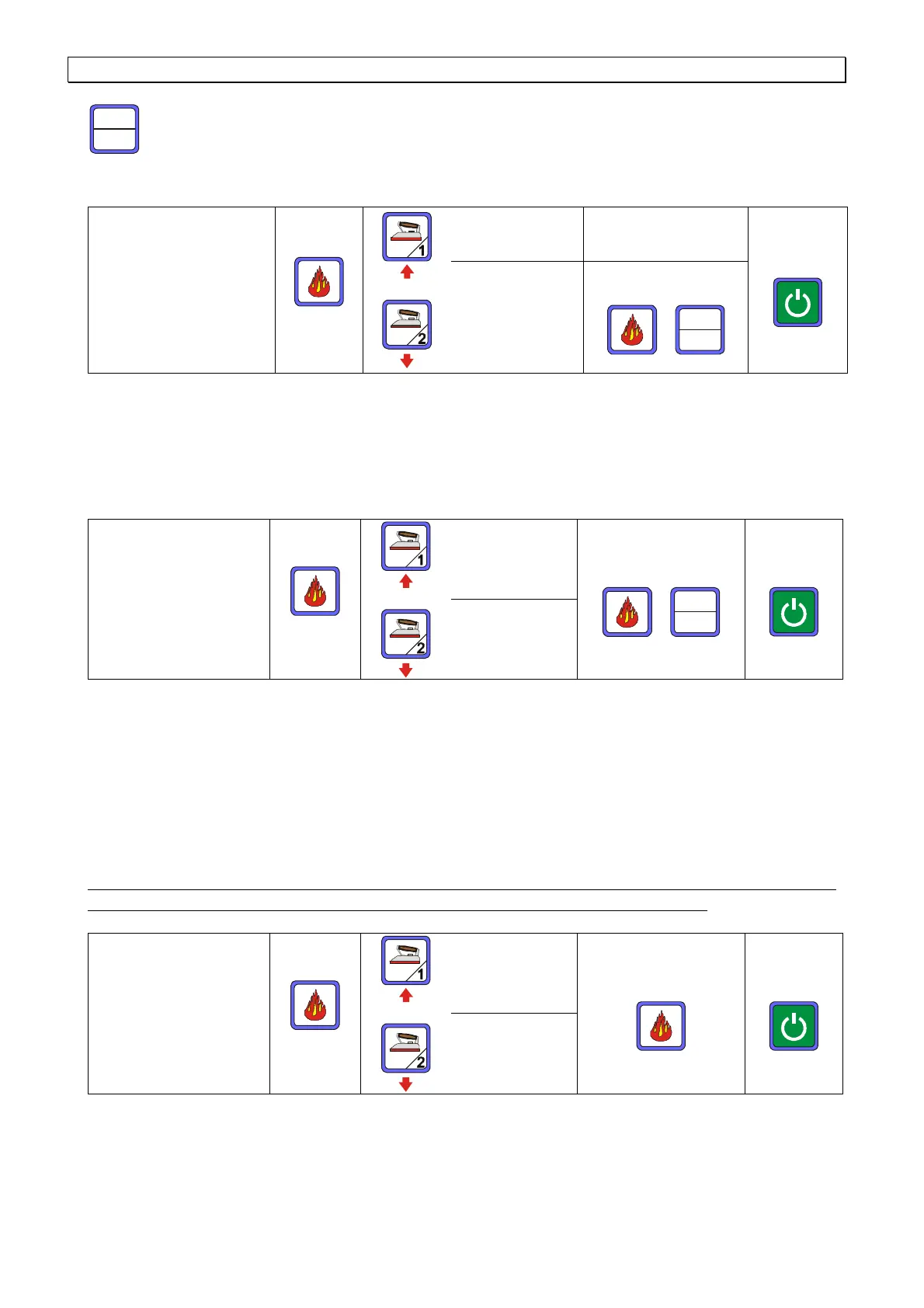
TOTAL HOURS: computation of the total hours the machine has worked for. This data
cannot be zeroed.
PARTIAL HOURS: computation of the hours the machine has worked for since last
zeroing. This data can be zeroed (see table). To zero the data, follow instructions as
per table and press reset for 5 seconds.
RESET OF
WARNINGS
FILTER
Zeroing of hours
To exit
PROBE
Reset is necessary in order to delete the warnings from the display once maintenance
has been done.
Example:
WARNING: PROBE CLEANING NEEDED
is displayed.
1. Gain access to MENU
2. Find
RESET WARNINGS
, press OK and find
PROBE
.
3. Press OK, then press RESET for 5 seconds.
4. ESC to exit the SET menu (or wait for 5 seconds).
Warnings are memorandums set by the manufacturer. According to the type of water
and the use of the machine, maintenance may be required even earlier.
KEY TONE
KEY TONE
ON
To confirm
To exit
KEY TONE
OFF
Used to activate or deactivate the acoustic signal when keys are pressed.
If you wish the acoustic signal to be activated, press
KEY TONE ON.
SET
Reset



 To Next Page