11
Touch controls
o All operations are performed by means of the touch controls that
can be found on the control panel.
o Each touch control has a visual display that corresponds to it.
Switching the hob top on
o Press the ON/OFF button (6) to switch on
the appliance.
o The hob will beep once and all of the
cooking zone indicators will light briefly, then go out.
o This means that the hob has entered stand-by mode.
Switching on a zone and setting a power level
IMPORTANT: A zone must be selected within 1 minute of switching
the hob on.
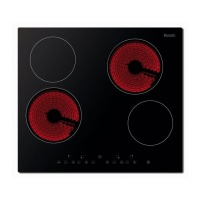
o Press the cooking zone plus
button (1) of the zone that you
want to use.
o Adjust the zone between power levels 1 and 9, using the plus
buttons (1). By holding down either of these buttons, the value
on the zone indicator will adjust up or down.
Switching off a zone
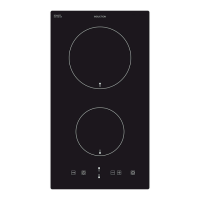
o Press the cooking zone minus
button (1) of the zone that you
want to switch off.
o Hold the button down until the
number in the cooking zone indicator reaches “0”. After a few
seconds, the zone will switch off automatically.


 To Next Page