13
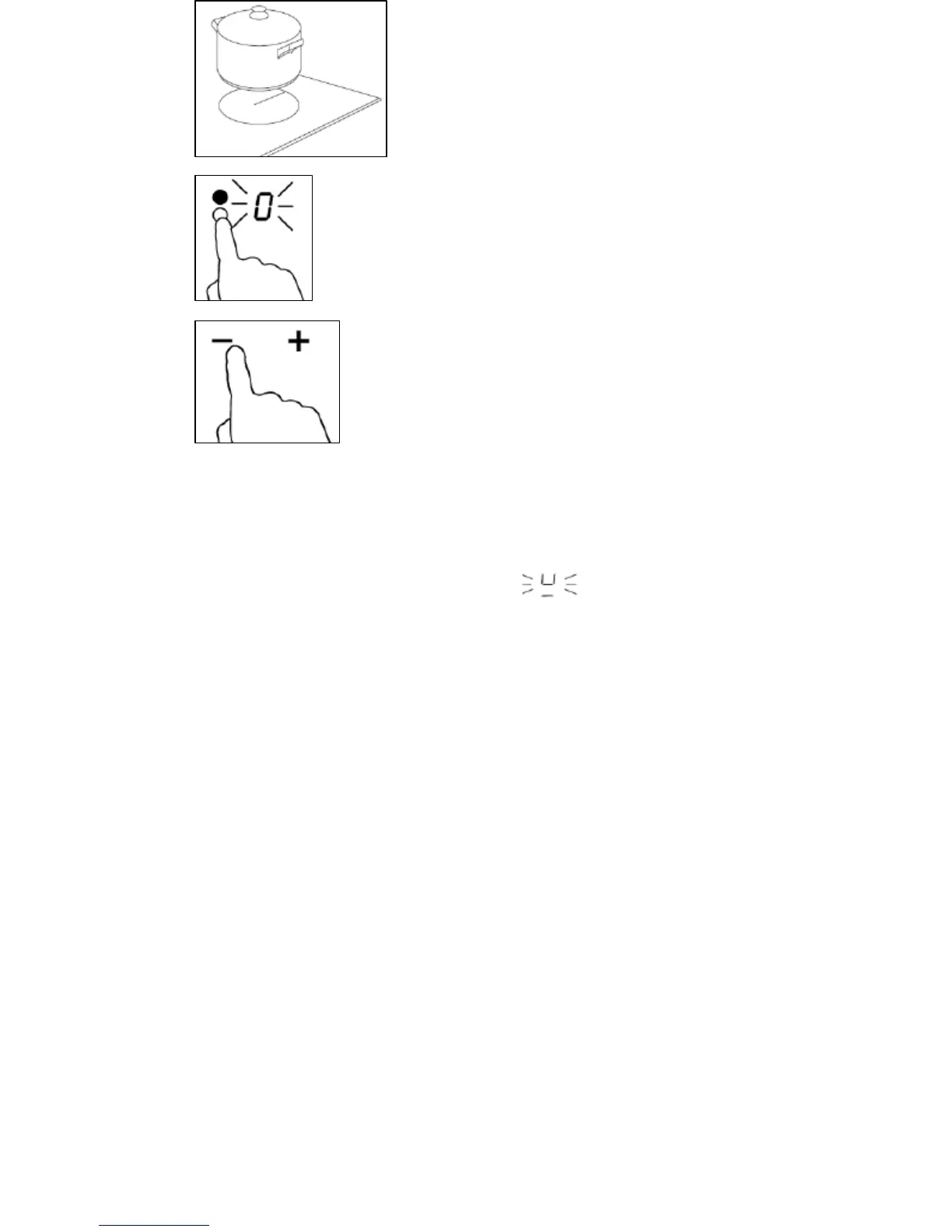
o Place a suitable pan on the cooking
zone that you wish to use. Make sure
that the bottom of the pan and the
surface of the cooking zone are clean
and dry.
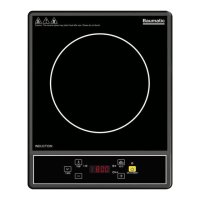
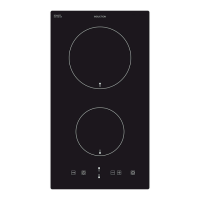
o Press the relevant heating zone
selection button (3) and an indicator
next to the key will flash.
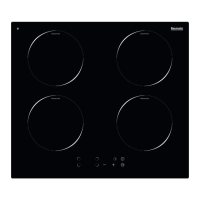
o Select a power level using the plus
and minus buttons (2).
o If you don’t choose a heat setting
within 1 minute, the induction hob
will automatically switch off and you
will need to start again.
o You can adjust the heat setting at any time during the
cooking process.
IMPORTANT: If the display flashes alternatively with the
heat setting this means that:
o The pan is not placed on the correct cooking zone
o The pan you are using is not suitable for induction cooking. No
heating will occur unless there is a suitable pan on the cooking
zone.
o The pan is too small or not properly centred on the cooking
zone. The display will automatically turn off after 2 minutes if no
suitable pan is placed on it.
Power level settings
o The settings on the next page are to be used as a guideline only.
The exact setting required will depend on several factors,
including your cookware and the amount of food that you are
cooking.
o You should experiment with the induction hob power levels to
find the best settings to suit you.


 To Next Page