16
o The audible signal will be repeated every 3 minutes, until the
stop clear button is pressed or the door is opened by pressing
the door open button.
Automatic defrost programmes
o Use the door open button (7) to open the door of the
microwave.
o Check that the rotating plate and rotating base are correctly
assembled in the cavity.
o Place whatever you are defrosting in the centre of the microwave
cavity.
o Press the auto defrost button (G) and the LED display will show
d.1, d.2, d.3.
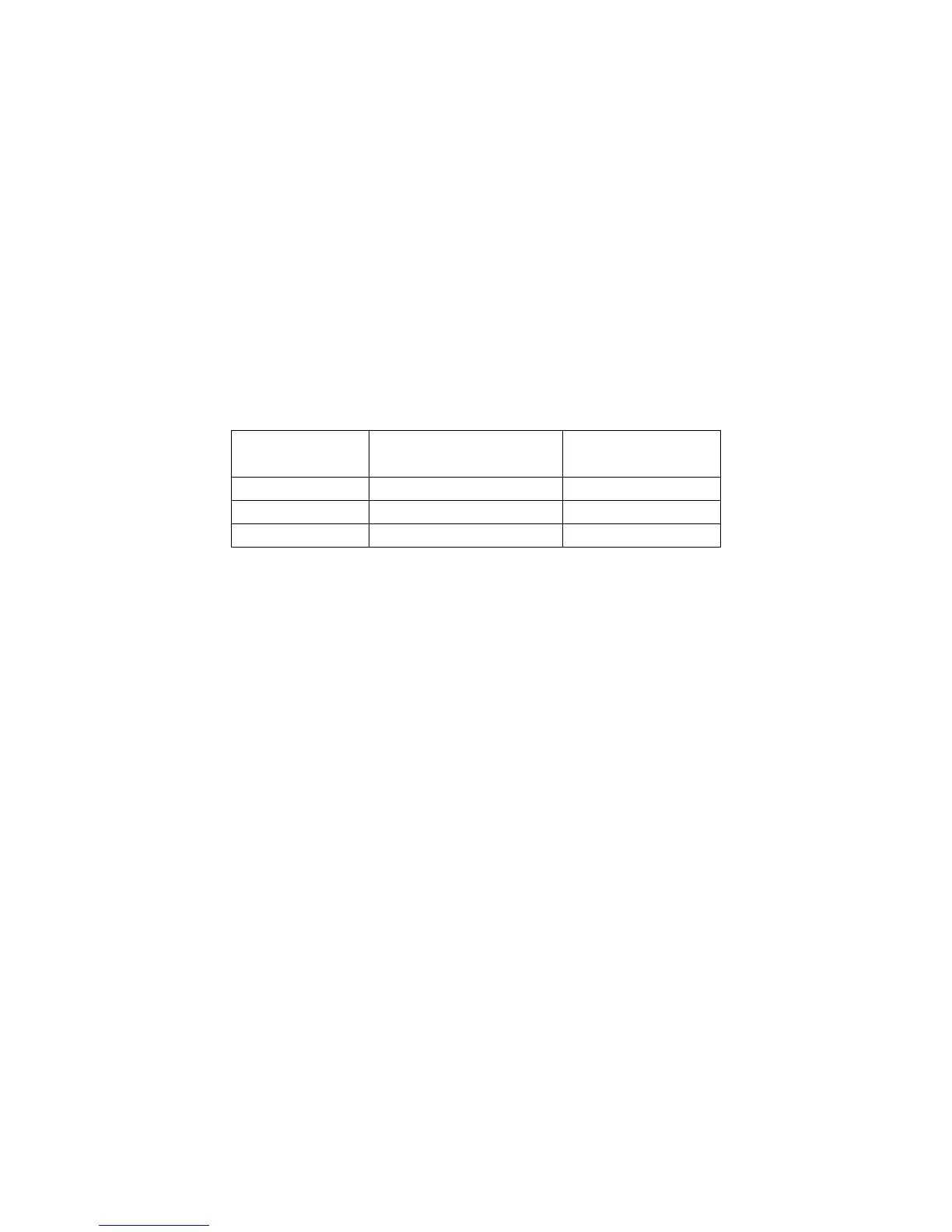
LED display Defrost level
suitable for…
Weight range
(kg)
d.1 Defrosting meat 0.1 – 2.0
d.2 Defrosting poultry
0.2 – 3.0
d.3 Defrosting seafood
0.1 – 0.9
o Once the correct defrost programme is displayed, press the time
weight button (I) to set the weight of the food that you are
defrosting.
o Close the microwave door. IMPORTANT: You should make sure
that the door of the microwave is shut securely.
o Press the instant start button (F) and the microwave will start to
defrost.
o At certain points in the defrosting process, the microwave will
give an audible signal. When this occurs, you should open the
door of the microwave and turn the food over.
o To restart the cooking process, close the door and then press the
instant start button once.
o At the end of the defrosting time, your microwave will give an
audible signal and the LED display will show the word “END”.
o The audible signal will be repeated every 3 minutes, until the
stop clear button is pressed or the door is opened by pressing
the door open button.




 To Next Page