17
Automatic cooking programmes
o Use the door open button (7) to open the door of the
microwave.
o Check that the rotating plate and rotating base are correctly
assembled in the cavity.
o Place whatever you are cooking in the centre of the microwave
cavity.
o Press the auto cooking button (H) and the LED display will show
A.1 – A.8.
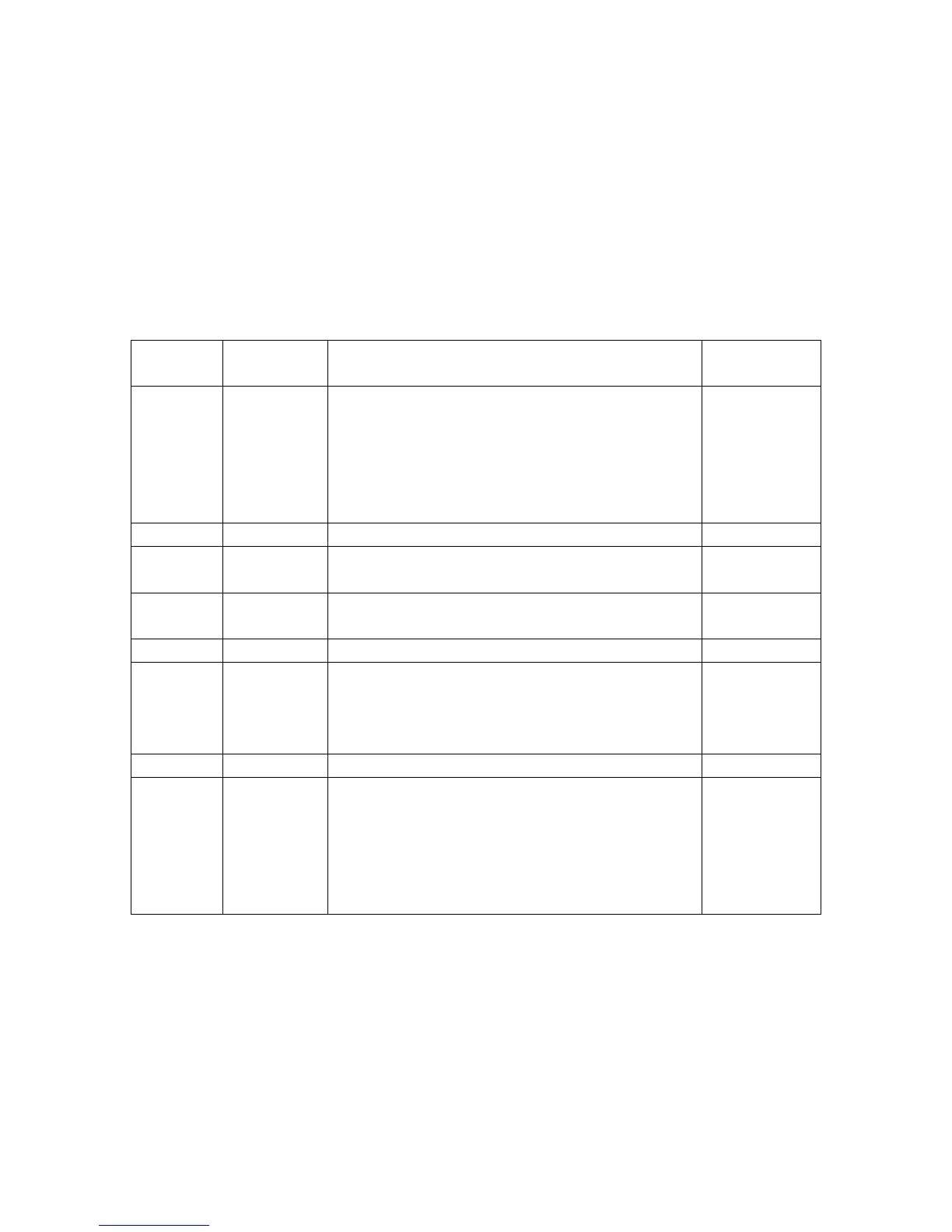
LED
display
Food
group
Cooking guidance Maximum
weight
A.1 Popcorn Suitable for popping a bag of corn,
which are available at supermarkets.
If during cooking the popping speed
slows to once every 1 – 2 seconds,
press the stop clear button to end the
process.
85 g
A.2 Popcorn As A.1 100 g
A.3 Pizza Suitable for warming a piece of
chilled pizza.
150 g
A.4 Beverage Use a cup with a large opening and
DO NOT cover it.
250 ml
A.5 Beverage As A.4 500 ml
A.6 Potato Cut the potatoes into 5 cm³ pieces.
Place them into a large dish and put
a suitable microwave cover over the
dish.
450 g
A.7 Potato As A.6 650 g
A.8 Fish Wash the fish, remove the scales and
make slits into the skin. Place the fish
in a shallow dish and then season as
required. Put a suitable microwave
cover over the dish. After cooking,
stand for 2 minutes.
450 g
o Close the microwave door. IMPORTANT: You should make sure
that the door of the microwave is shut securely.
o The automatic cooking times are suitable for food that is stored
at room temperature.
o The temperature, weight and shape of the food will all influence
the final cooking results. It is possible to adjust the cooking
times to suit personal preference.




 To Next Page