22
Your Microwave has a DELAY START feature that means you can set a cooking program
in the future so you can be assured of hot food when you want it.
How to use the DELAY START Function:
For example: to start cooking at 12:12:
1) Set the cooking program you want – see previous pages.
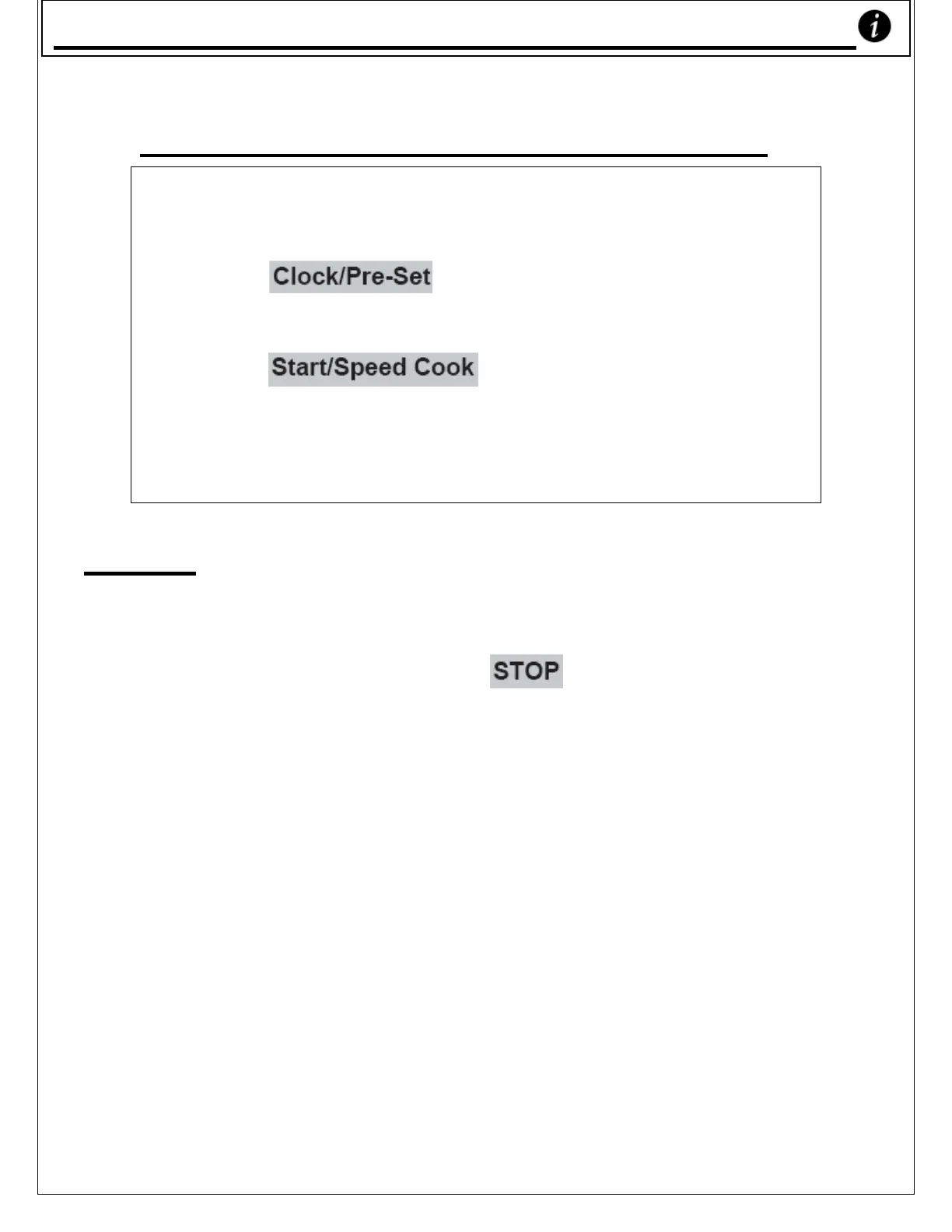
2) Press ‘ ’ to display the current time. The
hour figures will flash.
3) Press ‘1’, ‘2’, ‘1’, ‘2’.
4) Press ‘ ’ to confirm the setting. The
display will turn back to showing the time.
5) Cooking will begin at 12:12
*
Note a) If the setting is not within the range of
0:00 and 23:59, the delay feature can’t
work.
b) While setting, if ‘ ’ is pressed or if
you don’t input anything for 1 minute
or more, the unit will go back to the
previous state automatically, i.e. you
will have to start setting again.
c) The clock must be set before the delay
can begin cooking. If the pre-set
cooking has not been programmed (ie.
you haven’t programmed how your
microwave will cook) and only the time
to start cooking has been set, the
microwave will instead function as an
alarm clock and 5 ‘beep’s will ring out
when the pre-set time has been
reached.
Dela
Start










 To Next Page