o After the desired delay time is selected, press the start / pause
button (G) to start the countdown. The countdown time is
displayed on the screen until the program ends.
IMPORTANT: The delay time must be longer than the program
time otherwise the washer-dryer will start the wash
programme immediately.
Child lock
Your appliance has a child lock option, if this is set, it will mean that
nobody can affect the operation of the wash program once it has
started.
o Press the delay start button (K) and the start / pause button
(G) simultaneously for about 3 seconds after starting a program.
The settings cannot be changed using the operating buttons or
dial while the lock is activated. The machine emits an audible
signal while the control panel is locked.
o To release the safety lock, press the delay start button (K) and
the start / pause button (G) simultaneously again for about 3
seconds.
Maintenance and cleaning
In daily use
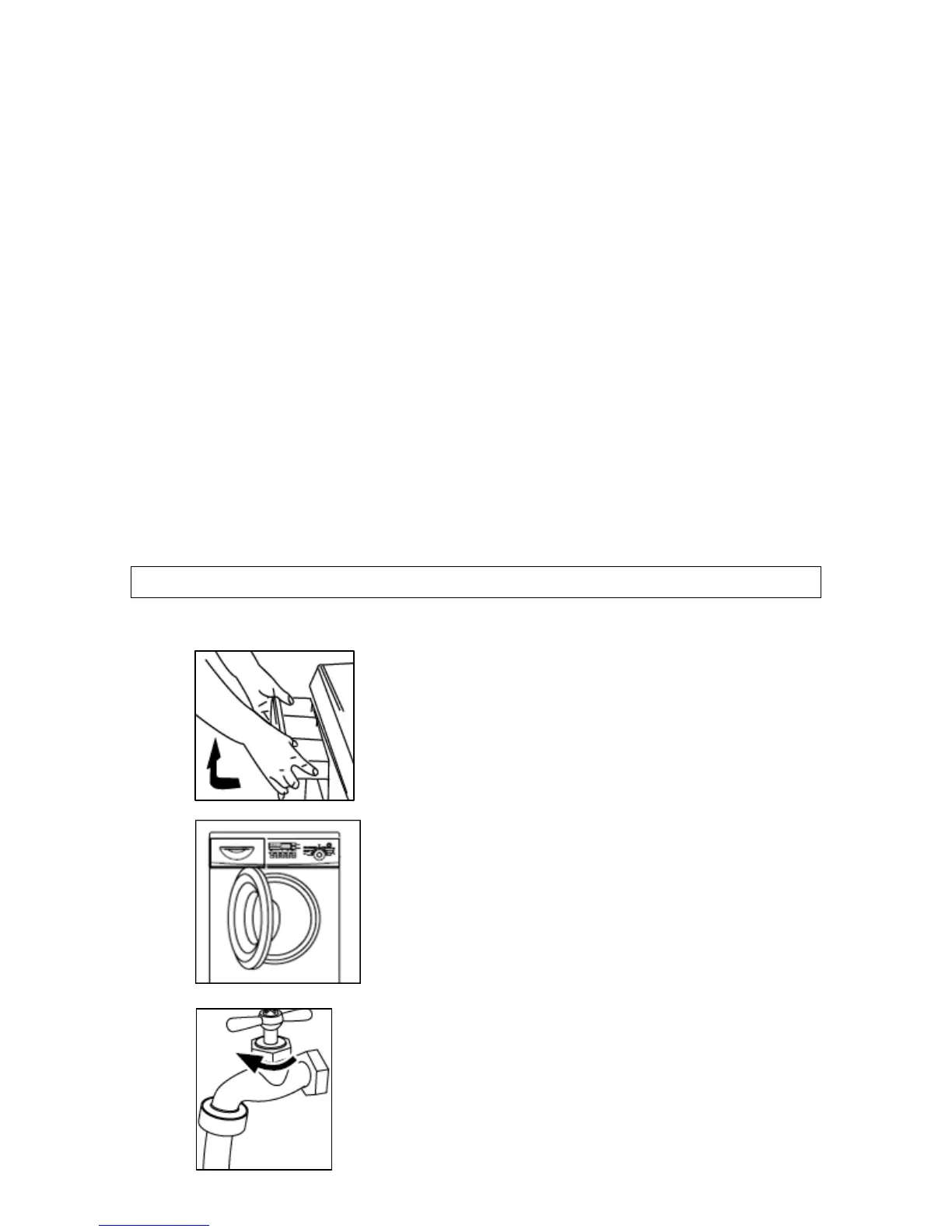
o Once a wash cycle has completed, you
should pull out the detergent drawer
slightly, so it can dry out.
o Leave the porthole door ajar for a short
while after a wash cycle has completed.
This should help to prevent stagnant
smells and to protect the door seal.
o Close the water tap.
18


 To Next Page