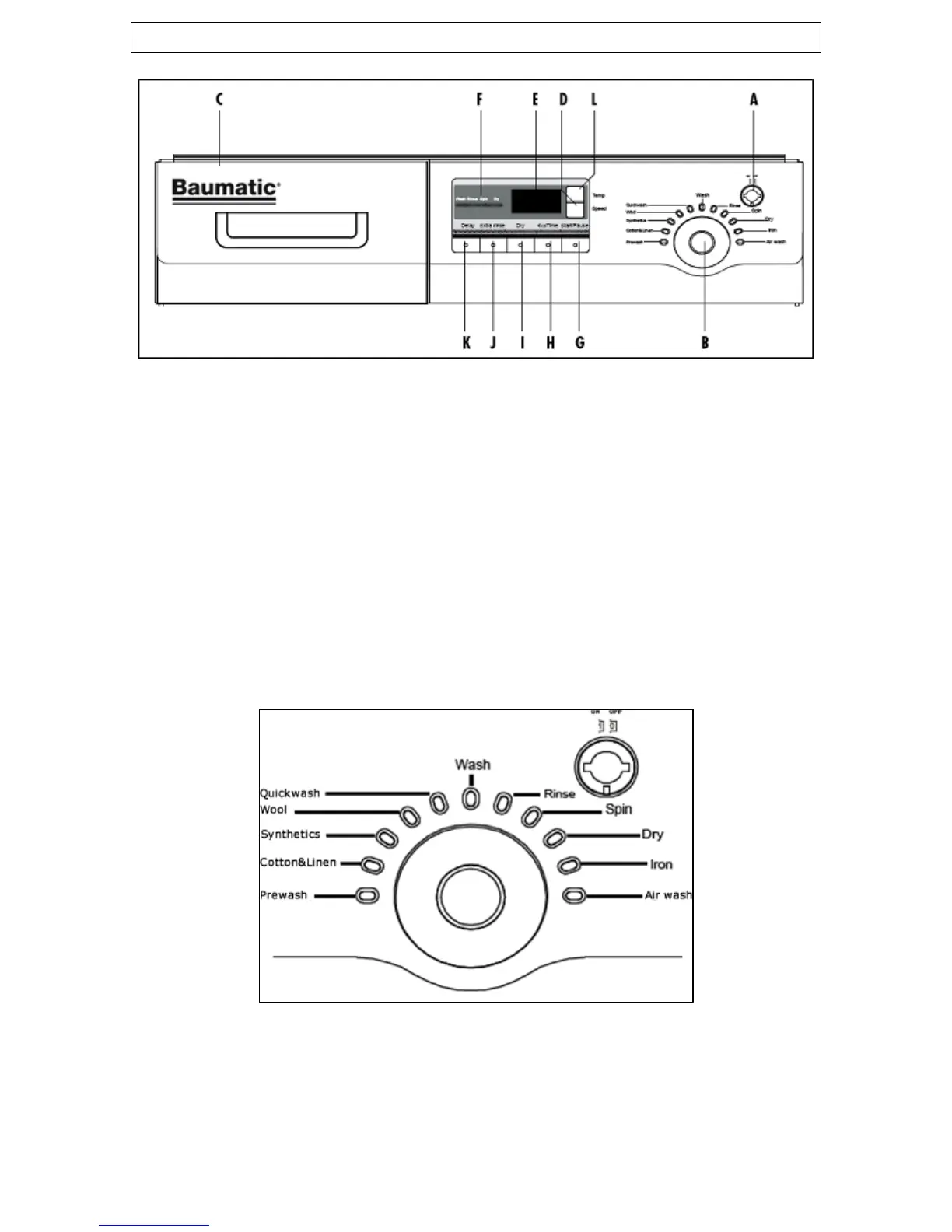
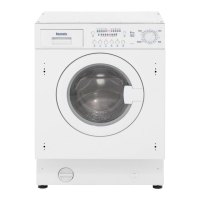
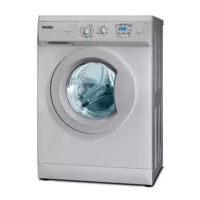
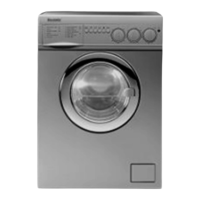
Control panel
A) Power button G) Start / pause button
B) Program selection dial H) Eco wash button
C) Detergent drawer I) Dry cycle button
D) Spin speed setting button J) Extra rinse button
E) LED display K) Delay start button
F) Wash status indicator L) Wash temperature button
Control panel functions
A) Power button: Press this button once to turn the machine on
and once again to switch it off.
B) Program selection dial: Turn the dial clockwise or anti-
clockwise to select the required program.
9


 To Next Page