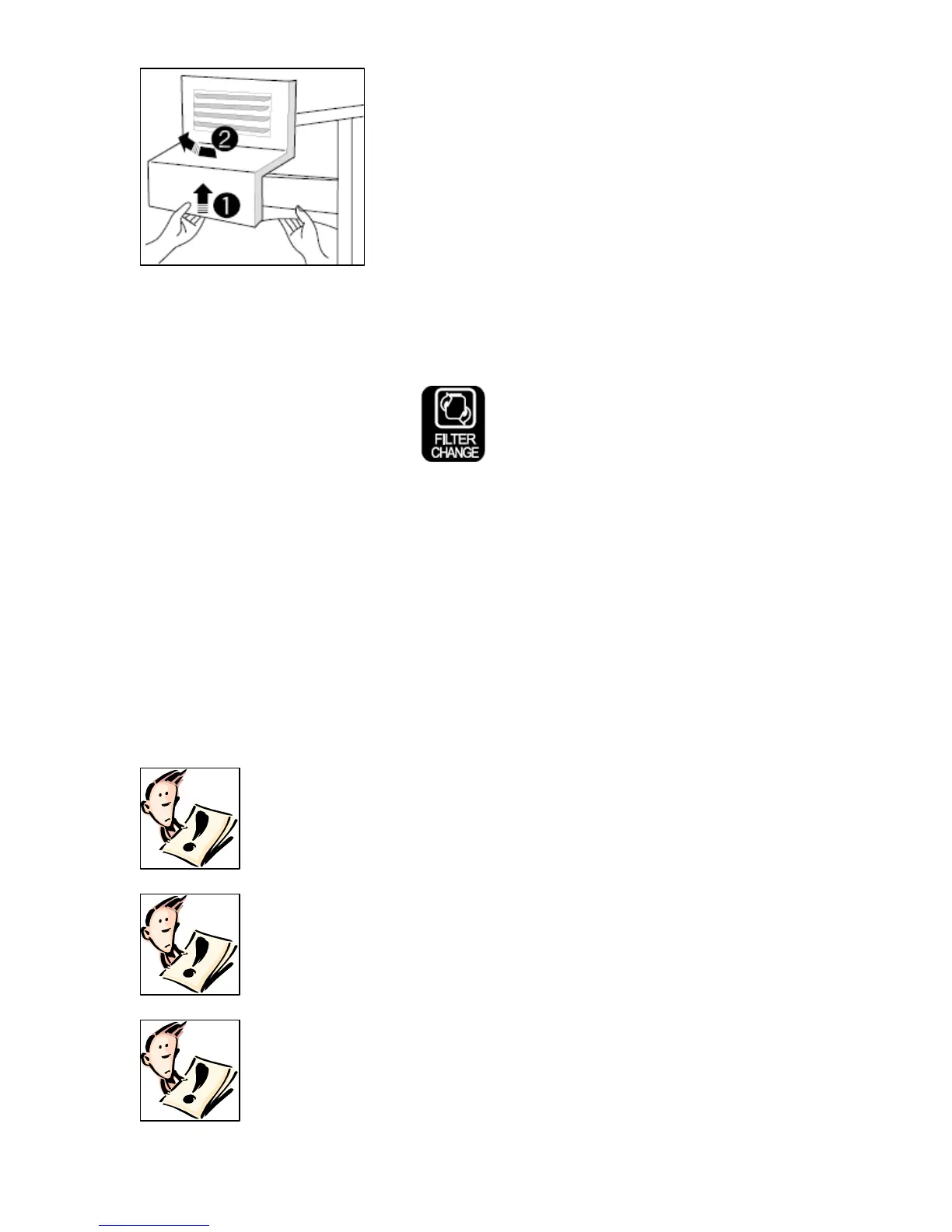
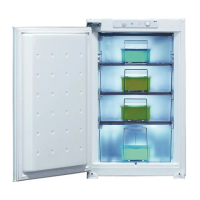
Removing and replacing the ice cube storage case
o Pull the storage case forwards to
remove it from the freezer.
o To put the storage case back into
position, locate it into the side grooves
of the cabinet and push it back into
place.
o If the storage case does not fully slide back into position, remove
it from the freezer again. Rotate the coil inside of the case a
quarter of a turn and then slide the storage case back into place.
Water filter change icon
o Six months after you connect your appliance to the mains supply
for the first time, the FILTER CHANGE icon will come on.
o After changing the water filter (see page 40 for details), press
and hold the RESET WATER FILTER button until the FILTER
CHANGE icon switches off.
o If you change the water filter before the FILTER CHANGE icon
comes on, then you should still press and hold the RESET
WATER FILTER button for 5 seconds.
Important user information
IMPORTANT: Care should be taken to make sure that
the airflow duct vents on the rear interior wall of the
fridge and freezer sections are not blocked.
IMPORTANT: If your mains power supply fails, then
the food inside of the freezer section will be
preserved for a 12 hour period. After 12 hours the
food should be removed from the freezer section and
consumed as quickly as possible.
IMPORTANT: If power is cut to the appliance, when
power is restored it will take approximately 30
minutes for the compressor to start running again.
22


 To Next Page