2. Press the key five times.
The menu is displayed.
3. Press the MODE key to go into this menu.
Tab.20
Accessing the menu Menu Description
1x Error memory
2x History of lockouts
3x Resetting the lockout
and error memory to
zero
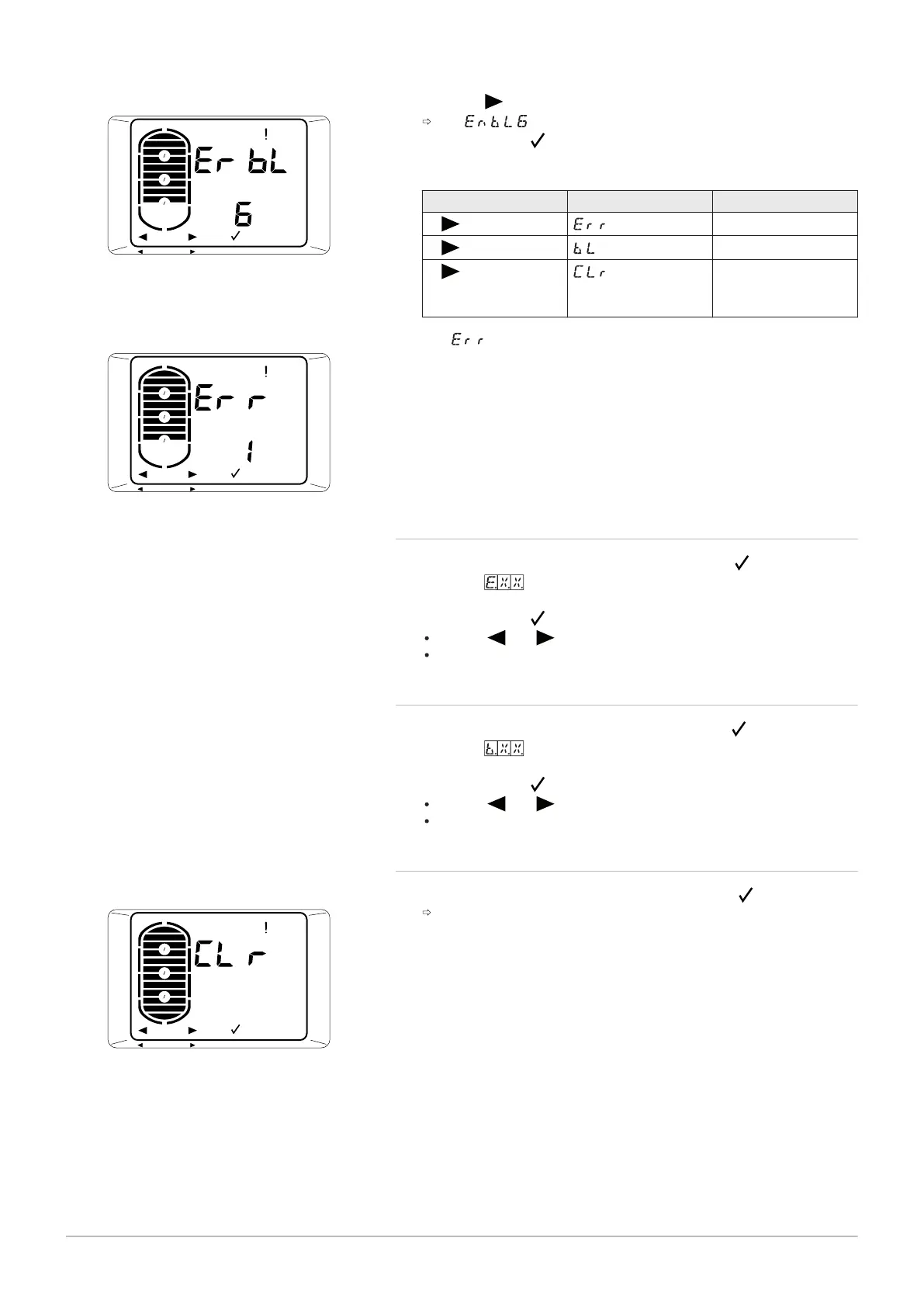
4. The menu is displayed with the number of errors which have
occurred.
5. To return to the previous display, press the MENU key.
9.2.1 Error display Err
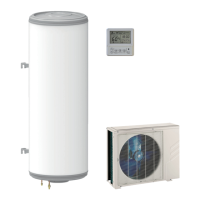
1. When the Err menu is displayed, press the MODE key.
2. The code for the most recent error is displayed, along with its
time and date displayed in turn.
3. Press the MODE key to access the details of the error.
Use the and keys to scroll through the list of errors.
Use the MENU key to return to the list of errors.
9.2.2 Displaying lockouts bL
1. When the bL menu is displayed, press the MODE key.
2. The code for the most recent lockout is displayed, along with its
time and date displayed in turn.
3. Press the MODE key to access the details of the lockout.
Use the and keys to scroll through the list of lockouts.
Use the MENU key to return to the list of lockouts.
9.2.3
Resetting the lockout and error memory to zero
1. When the CLr menu is displayed, press the MODE key.
The lockout and error memory is reset to zero.
Fig.41
Fig.42
Fig.43
9 Troubleshooting
52 7734712 - v01 - 22052019


 To Next Page