8
4.2.2. Entering Setup & Calibration
Press and keys simultaneously to enter the “Setup and Calibration” menu.
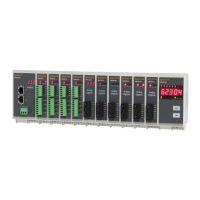
The transmitter indicates the started setup mode by flashing the two LEDs on the front
panel three times sequentially. Then Green LED flashes.
4.2.3. Setup & Calibration
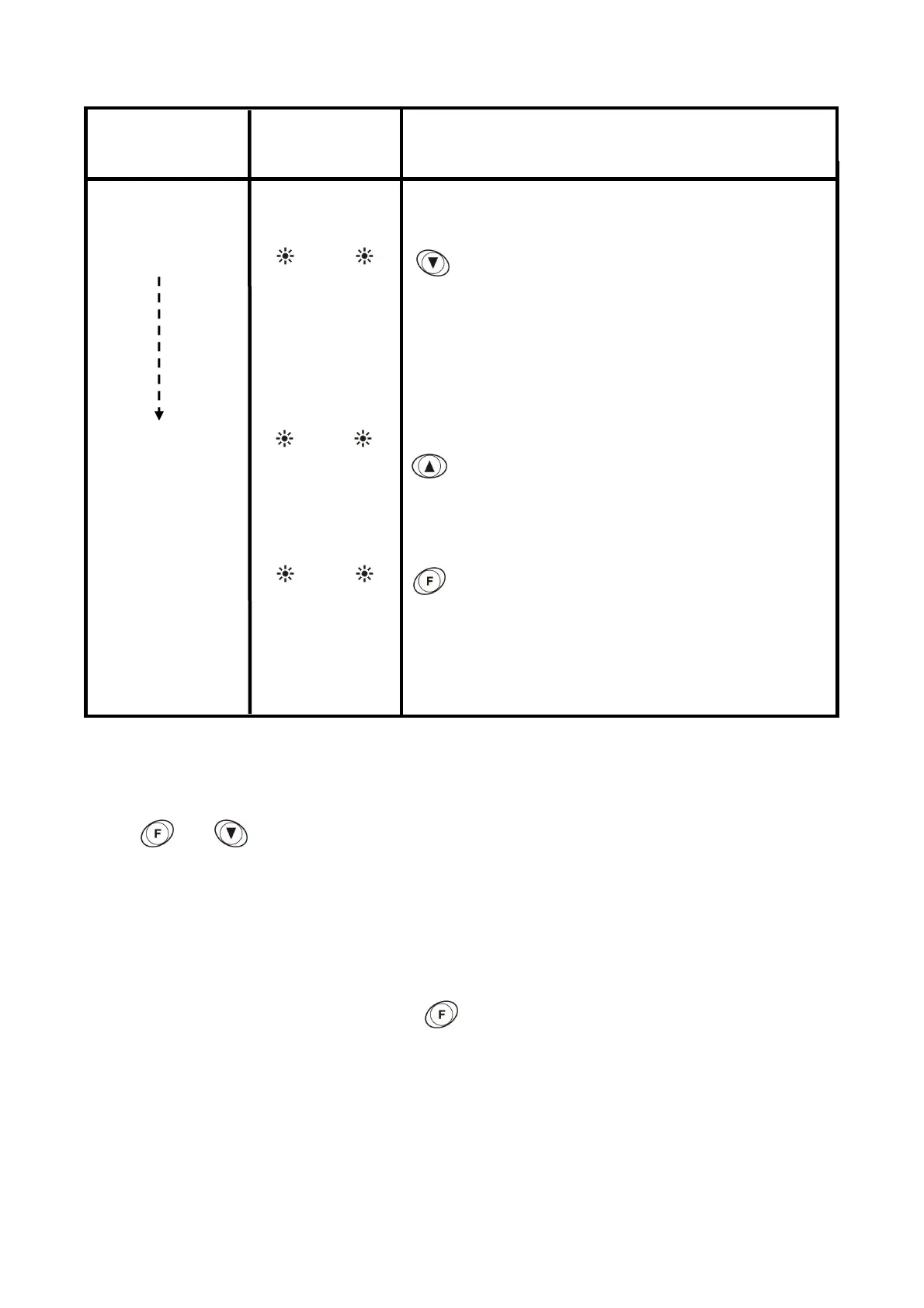
The status of the LEDs on the front panel indicates the setup step as seen below. You can
go to the next step by pressing the key. Calibrate the scale and adjust other
parameters as indicated below:
GREEN RED
Flash Flash
scale. The load value must be betw
your maximum and check analog output value :
:
Analog output value is set as automatically to 10 VDC or
20 mA when pressed this key.
Analog output value is set as automatically to 0 VDC or 4
mA when pressed this key.
Unload the scale and check analog output value :
Flash Flash
Flash Flash
: Return to the operation mode.


 To Next Page