Lagoon CTC Fan Installation Instructions
8 | P a g e
USING YOUR CEILING FAN
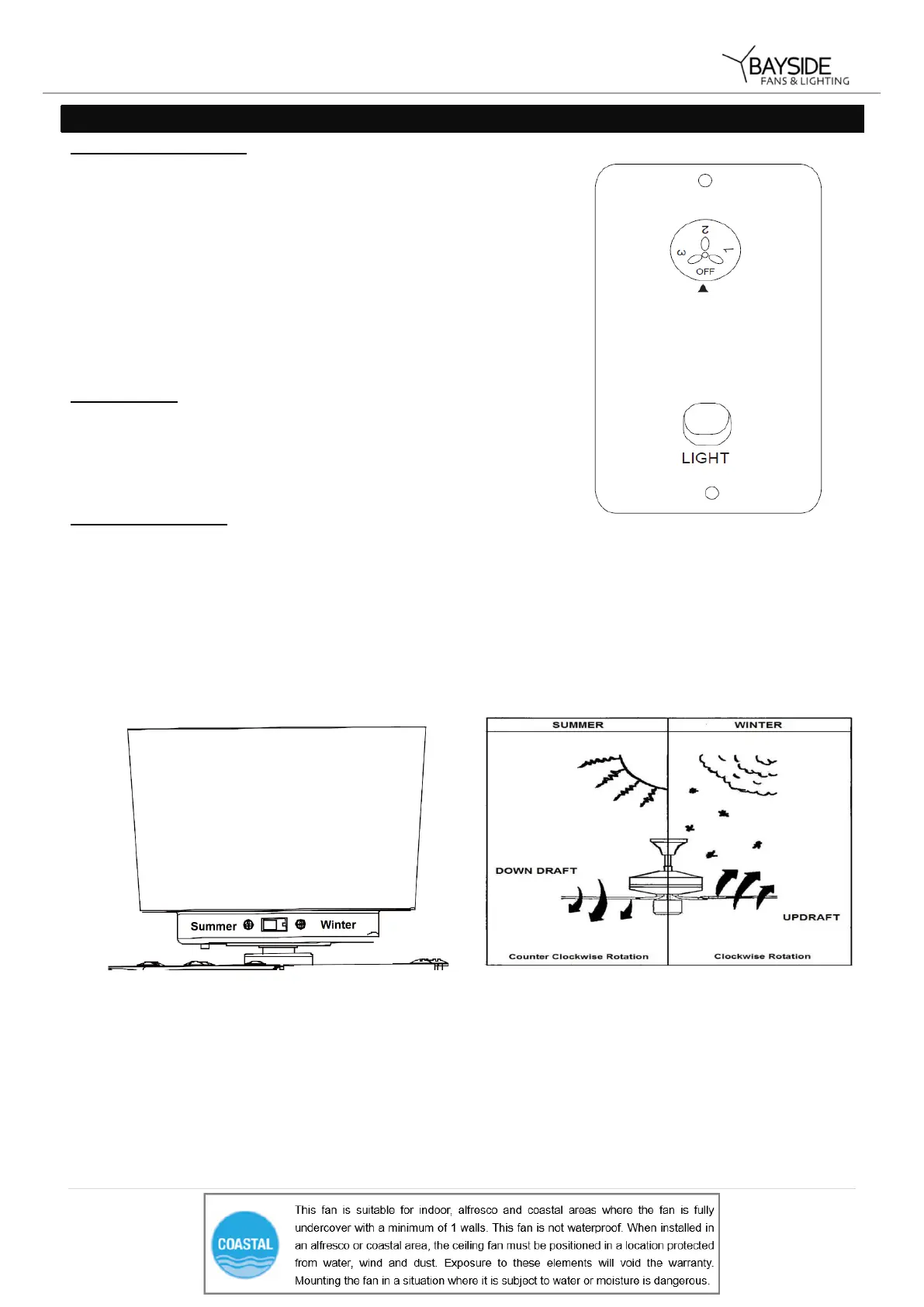
FAN WALL CONTROL
Turn on the power and check the operation of the fan.
• OFF Position – Fan off
• 3rd Position – Low fan speed
• 2nd Position – Medium fan speed
• 1st Position – High fan speed
Light Control
• Toggle Switch – On/off
REVERSING SWITCH
Your ceiling fan can operate in either summer or winter mode.
SUMMER Mode: The reverse switch shall be in the “Left” (SUMMER) position to make the fan rotate in an
anticlockwise direction. The airflow will be directed downwards, for cooling in summer.
WINTER Mode: The reverse switch shall be in the “Right” (WINTER) position to make the fan rotate in a clockwise
direction. The airflow will be directed upwards assisting in the circulation of warm air, for energy conservation in
winter.


 To Next Page