EasyManua.ls Logo

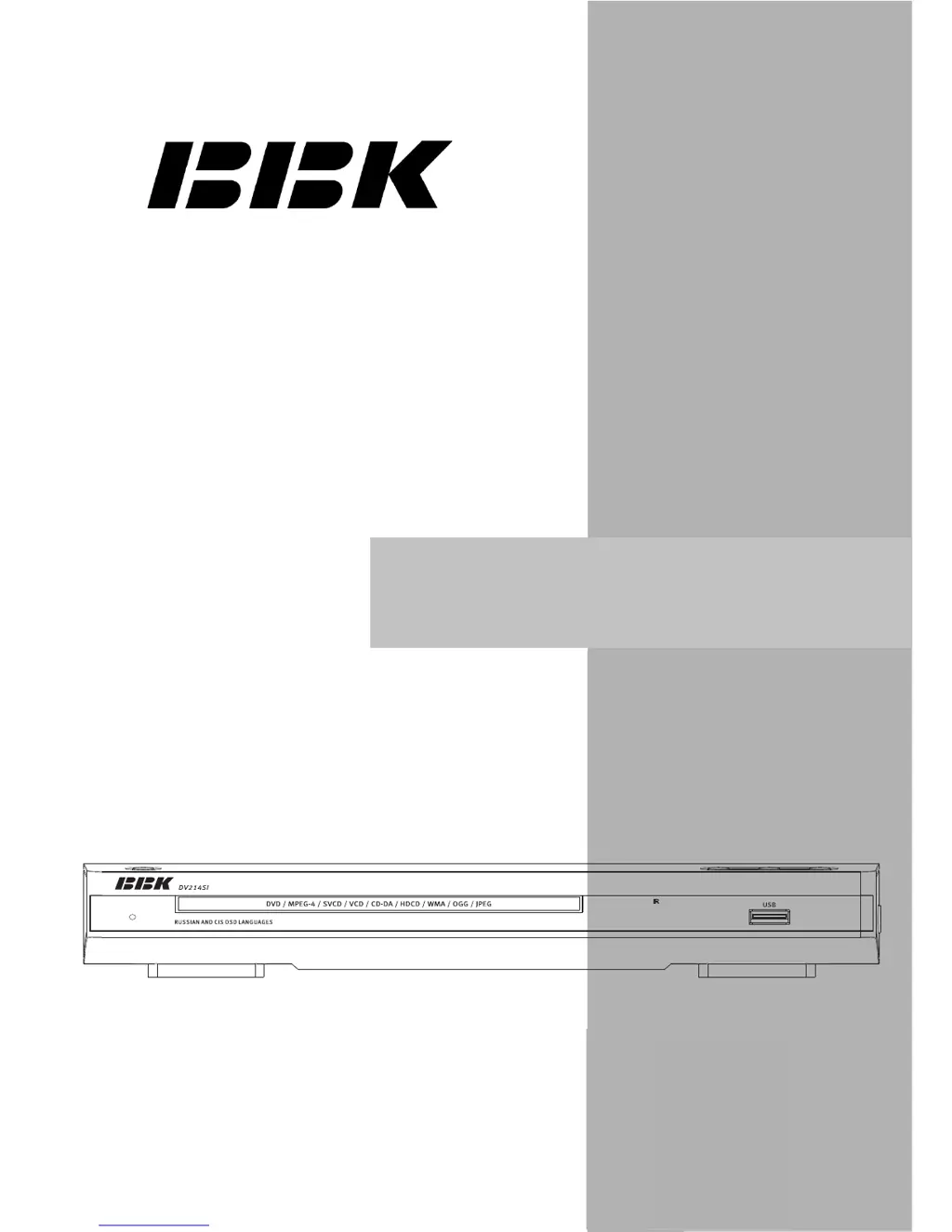
BBK DV214SI(RU) - User Manual

BBK DV214SI(RU)
51 pages
Print Icon
To Next Page IconTo Next Page
Loading...
service manual
VerSI09.10
DV214SI(RU)

Table of Contents

Questions and Answers

  • S
    Sandra ParkerJul 30, 2025
    Why is there no sound coming from my BBK DV214SI(RU) DVD Player?
    • I
      iclineJul 30, 2025
      If there is no sound, it might be due to a few reasons: * The audio cable might not be connected properly, so ensure a secure connection. * The disc could be dirty or damaged; try cleaning it. * The sound may be disabled because the MUTE button was pressed; in that case, press the MUTE button to restore the sound.
  • C
    Charles MurrayAug 3, 2025
    What to do if my BBK DVD Player shows no image?
    • J
      Janice ChristianAug 3, 2025
      If your DVD player shows no image, the problem could be due to: * A poor video cable connection. Ensure that the connection is properly made. * Incorrect settings on your TV. Adjust your TV settings accordingly. * The DVD player being in progressive scan mode while your TV doesn't support it. Switch the DVD player to interlaced scan mode via the DVD-receiver's menu.
  • A
    Andrew HarmonAug 7, 2025
    Why does my BBK DV214SI(RU) DVD Player show a black and white image?
    • K
      Kimberly MurphyAug 7, 2025
      A black and white image may appear because: * The incorrect TV color system is selected. Set the appropriate color system via the menu: SETUP>Image>TV scan. * The color level on the TV set is adjusted incorrectly. Readjust the color system of your TV set.
  • S
    Steven GordonAug 12, 2025
    What to do if my BBK DVD Player remote control does not operate?
    • T
      timothyrobinsonAug 12, 2025
      If the remote control isn't working, consider these possibilities: * The remote control might not be directed correctly at the DVD player's screen. Use the remote control according to the manual. * You might be too far from the DVD player (more than 8 meters). Decrease the distance. * The batteries might be dead. Replace both batteries.
  • K
    Katrina WhitakerAug 15, 2025
    What to do if my BBK DVD Player discs cannot be read?
    • M
      makayla01Aug 16, 2025
      If the DVD player isn't reading discs: * Ensure that the disc is inserted. * Make sure the disc is inserted correctly, with the label side facing up. * There might be condensation on the DVD player's laser head. Try switching the DVD player on without a disc for an hour.
  • J
    jo30Aug 20, 2025
    What to do if some functions do not work on my BBK DV214SI(RU) DVD Player?
    • C
      Christy MillerAug 20, 2025
      If some functions aren't working, it could be due to: * The disc being recorded incorrectly. Wait 5-10 seconds; the DVD player will automatically return to normal. * An incorrect key sequence. Repeat the operation one more time. * Static voltage on the DVD player's housing. Switch the DVD player off for 1-2 minutes, then switch it back on.
  • S
    Stephen CarpenterAug 25, 2025
    Why microphone does not operate with my BBK DVD Player?
    • H
      herrerajosephAug 25, 2025
      If the microphone isn't working, check the following: * Ensure the microphone is plugged in. * The microphone's sound volume might be too low. Adjust the level of the microphone's sound volume.

Summary

Chapter One About Maintenance

1.1 Safety Precautions

General safety measures to prevent damage and injury during maintenance.

1.1.1-1.1.3 Specific Safety Precautions

Precautions for power supply, antistatic, and laser head handling.

1.1.4 Placement Position

1.2 Maintenance Methods

Techniques for diagnosing and repairing the DVD player.

Chapter Two Functions and Operation Instructions

2.1 Features

Overview of the DVD player's capabilities and supported formats.

2.2 Controls and Functions

Identification and operation of the device's controls and functions.

2.2.1 Front and Side Panel Controls

Identification and function of buttons and connectors on the front/side.

2.2.2 Rear Panel General View

Identification and function of ports and connectors on the rear panel.

2.2.3 LED Display General View

2.2.4 Remote Control General View

Detailed explanation of remote control buttons and their functions.

2.3 Set List

2.4 Function Settings

Configuration options for device operation and preferences.

2.4.1 Function Selection and Change

Guide to navigating and changing settings via the setup menu.

2.4.3 Image Settings Menu

2.4.4 Sound Settings Menu

Configuration options for audio output, mixer, and equalizer settings.

2.5 Miscellaneous

2.5.2 Troubleshooting

Common problems and their solutions for basic troubleshooting.

2.5.3 Specifications

Chapter Three Block Diagram

Chapter Four Block Diagram of Unit Circuit

Chapter Five Troubleshooting Flow Chart

Chapter Six Waveform Diagram

Chapter Seven PCB Board

Chapter Eight Circuit Diagram

Chapter Nine BOM List

BBK DV214SI(RU) Specifications

General IconGeneral
TypeDVD Player
Power Consumption15 W
Video OutputComposite, S-Video, Component
Supported Disc FormatsDVD, CD, CD-R/RW
Playback FormatsMPEG, MP3, JPEG
Video DAC10 bit / 27 MHz
ConnectorsComposite video output, S-Video output, Component video output, Stereo audio output
Power SupplyAC 220V, 50Hz

Related product manuals